 Photor.ai
Best for painting over small words, captions, or scattered text.
Remove Text From Image Online
Use AI text remover to clean captions, labels, stamps, and unwanted words from photos.

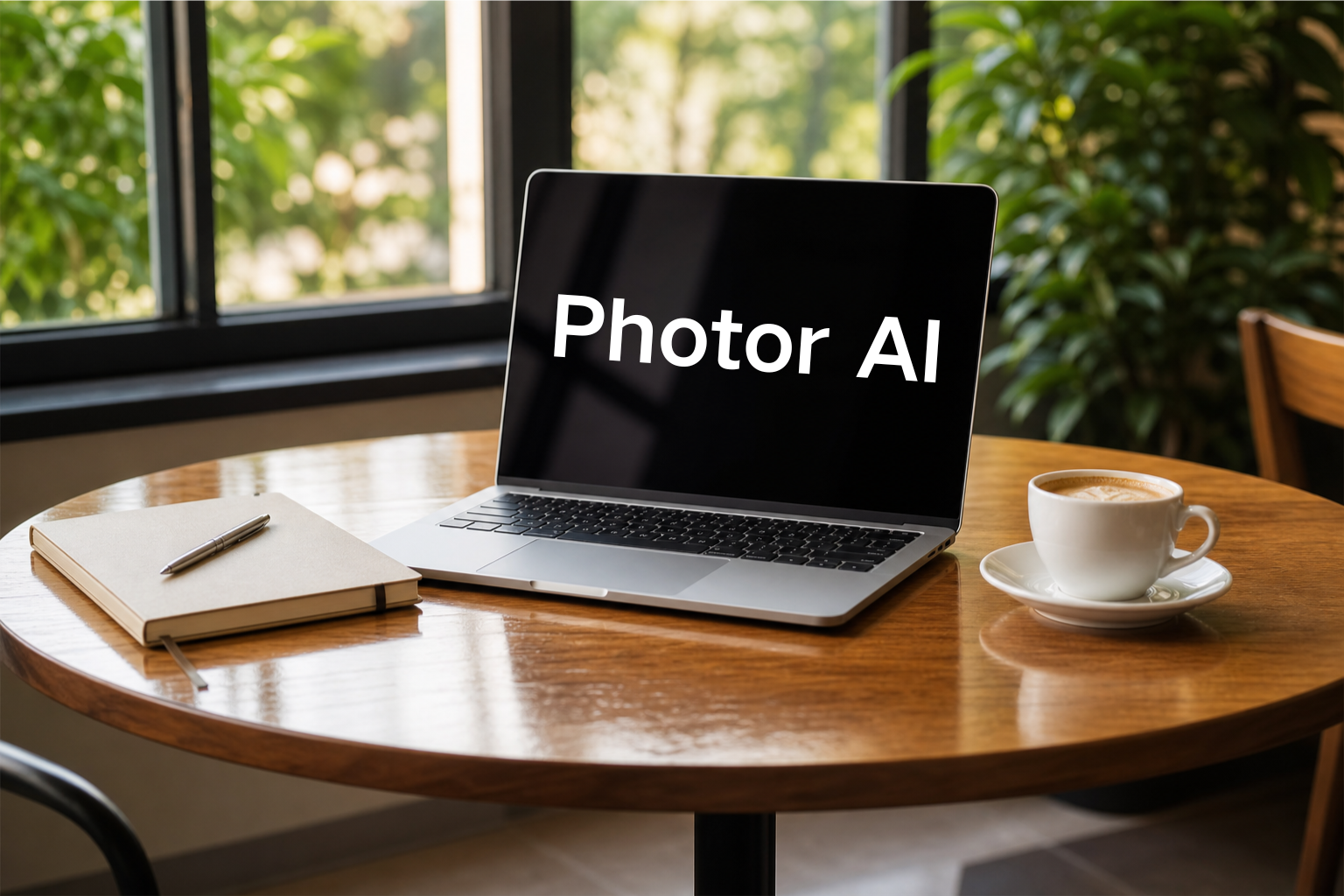
AI Text Remover Features
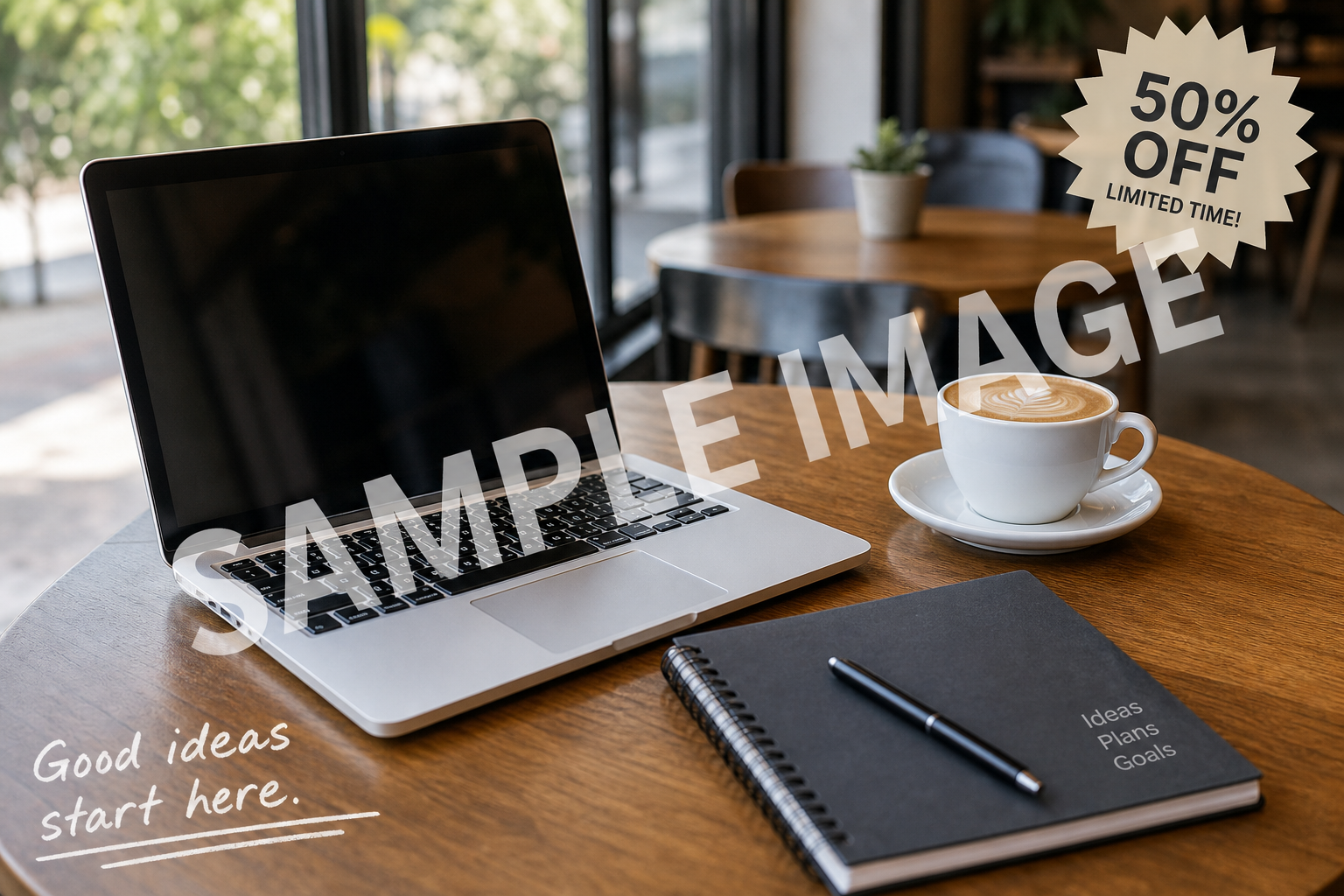
Brush and Auto Detect Text Remover
Remove text from image with the method that fits your photo. Brush over exact words and captions for precise cleanup, or let Auto Detect find obvious text overlays.
Natural Background Reconstruction
Photor removes words from pictures and fills the erased area with matching texture, color, lighting, and perspective so the final image looks clean and realistic.

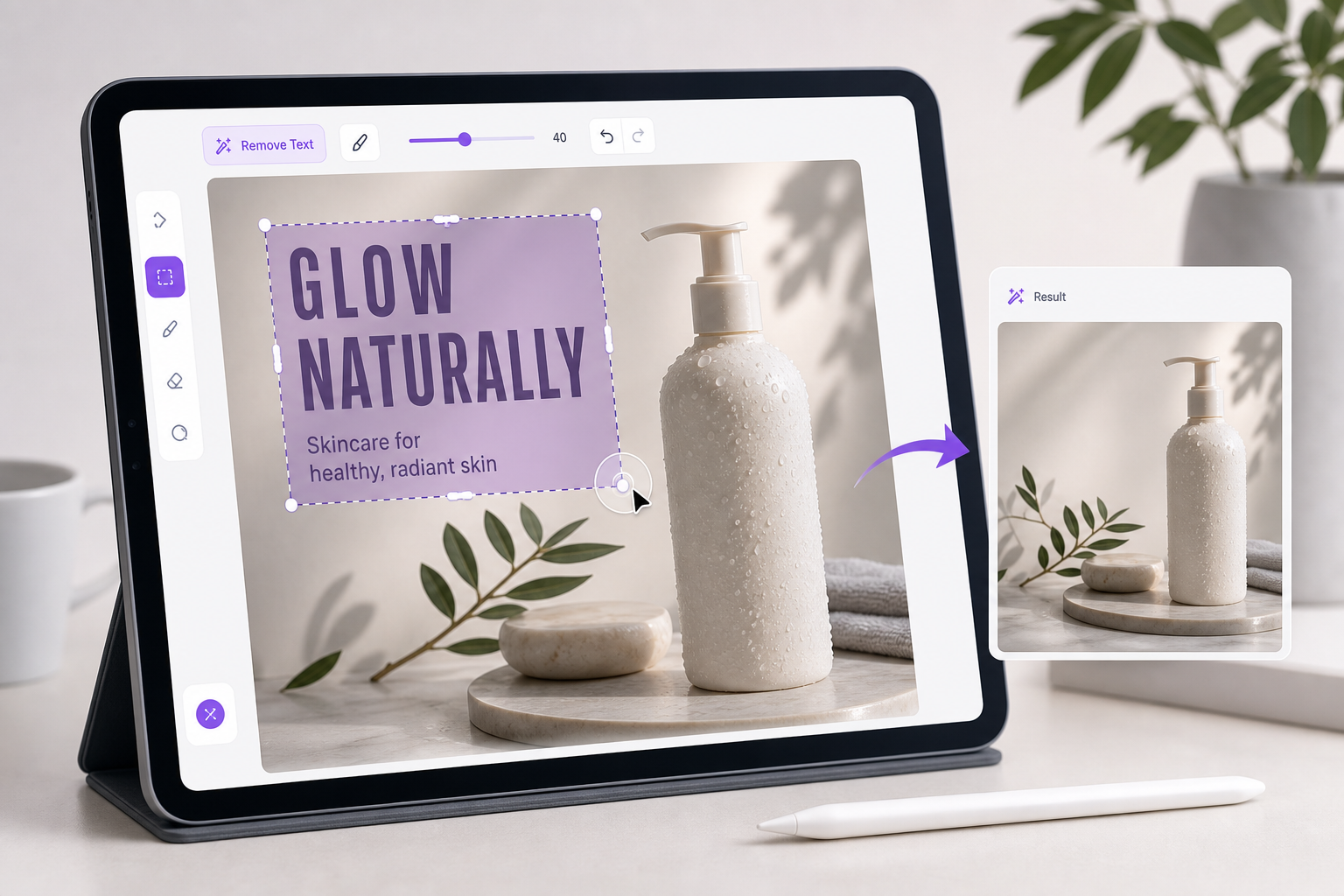
Clean Images for Marketing and Creative Work
Use this text remover to prepare social posts, e-commerce images, thumbnails, ads, and creative assets when unwanted text distracts from the subject.
How to Remove Text From Image
Upload an Image
Choose a photo, poster, product shot, or screenshot that contains unwanted text.
Choose a Selection Mode
Use Brush for precise manual masking or Auto Detect for automatic text removal.
Generate a Clean Result
The AI text remover erases the text and reconstructs the background so you can download a clean image.
Why Use Photor as Your Text Remover?
Purpose-Built Text Cleanup
Optimized prompts help remove text from image areas without changing the subject, product, face, or overall composition.
Clean AI Inpainting
The erased text area is reconstructed with matching background details for a natural result.
Flexible Image Types
Works on product photos, social images, banners, posters, screenshots, travel photos, and lifestyle images.
Fast Online Workflow
No design software needed. Upload an image, select the text area, and generate a cleaned version online.
Precise Control
Choose manual selection for exact areas or Auto Detect when you want the AI to find visible text overlays.
Ready for Reuse
Download the cleaned image and use it in presentations, ads, listings, thumbnails, or creative edits.
Popular Text Remover Use Cases
Remove Captions
Erase captions, subtitles, labels, and overlay text from photos.
Clean Product Images
Remove sale text, stickers, and distracting words from product photos.
Refresh Posters
Clear old poster copy before adding new campaign text or layouts.
Edit Screenshots
Remove private notes, labels, and unwanted text from screenshots.
Social Media
Clean thumbnails and social images before reposting or redesigning.
Presentation Images
Remove words from picture assets used in slides and reports.
Creative Edits
Erase text from image references while preserving the original mood.
E-commerce
Prepare clean catalog visuals without old labels or marketplace text.
Explore More AI Image Models
Try other popular image models with different styles, quality, and prompt-following strengths.
 NEW
NEWSeedream 5.0 Lite
ByteDance Seed multimodal lite with deep prompt understanding and flexible aspect controls.
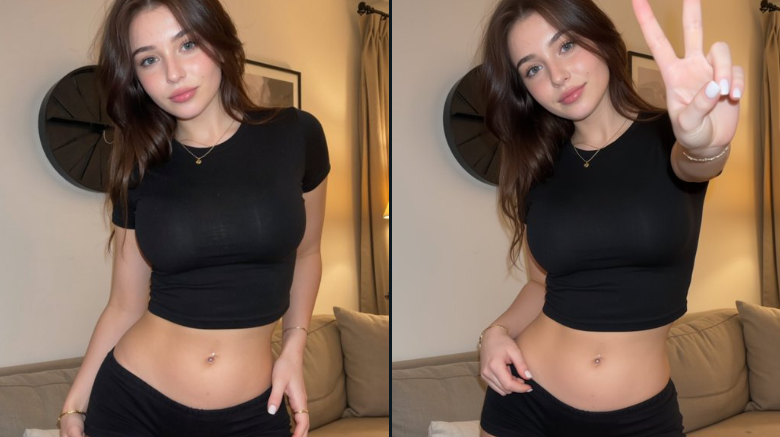 HOT
HOTNano Banana
Powerful character consistency and fast image generation for iterative creative workflows.
 NEW
NEWNano Banana 2
Pro quality at flash speed with 1K to 4K output and stronger structure fidelity.
 HOT
HOTNano Banana Pro
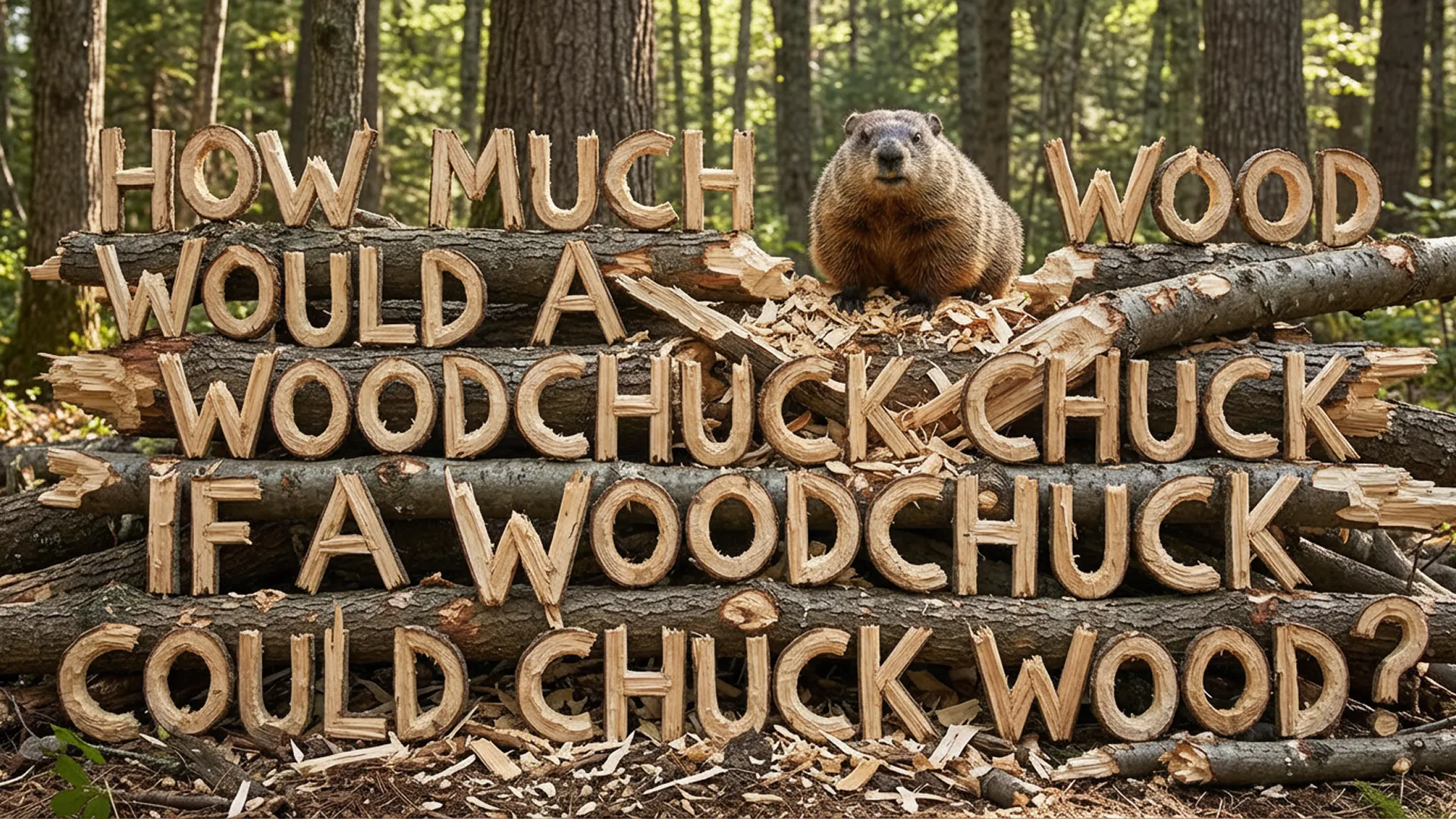
Stronger prompt-following with precise text rendering and higher detail control.