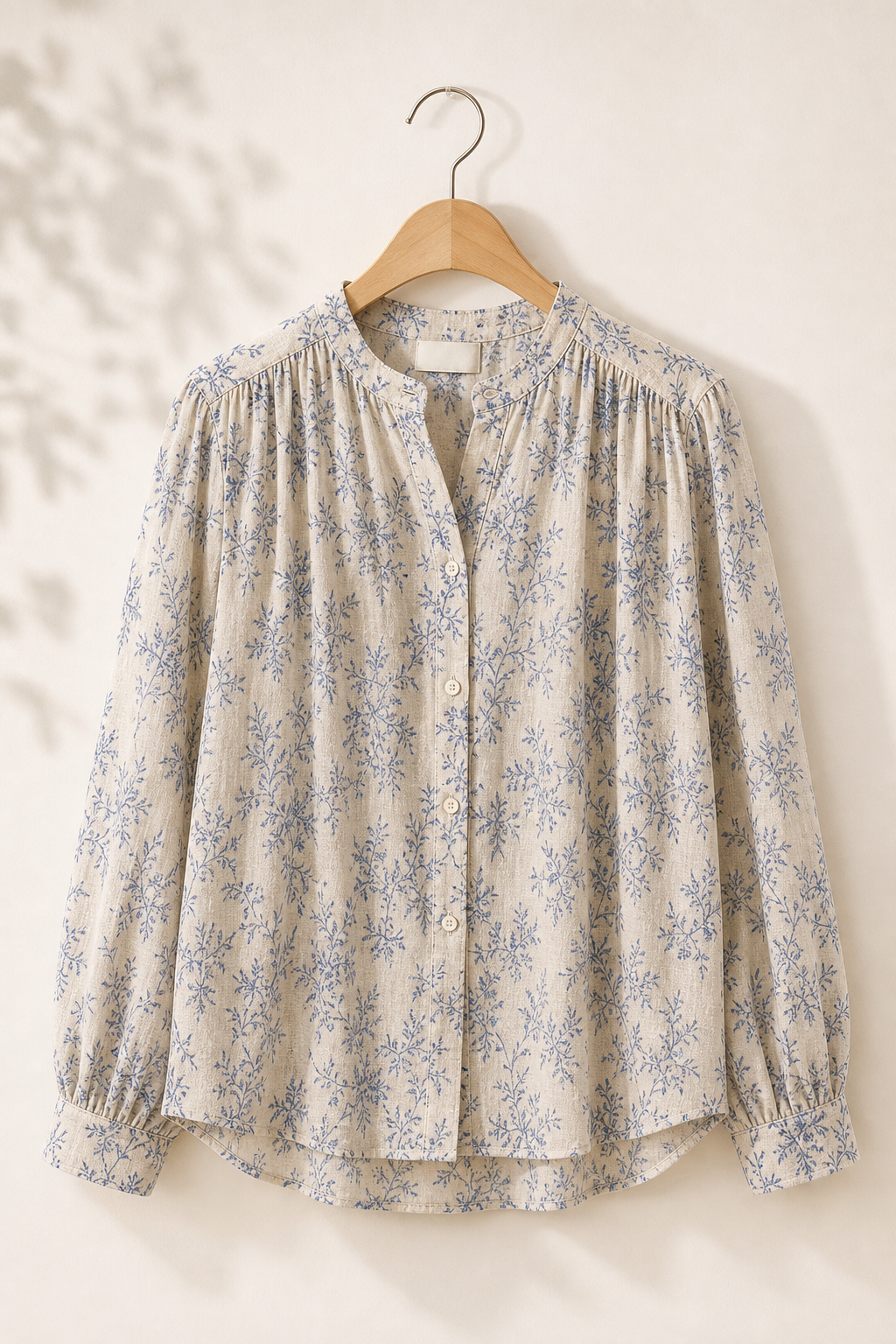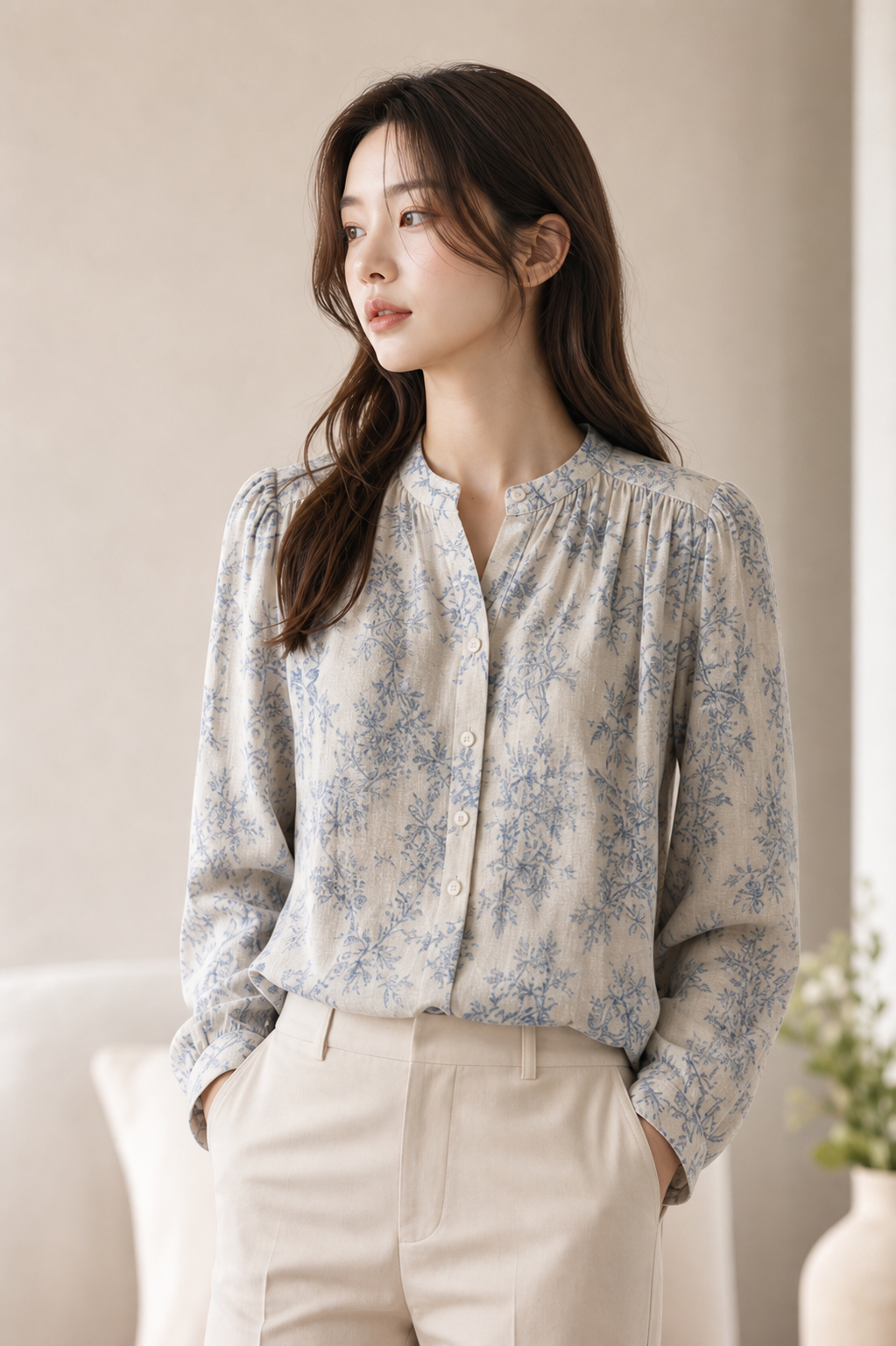
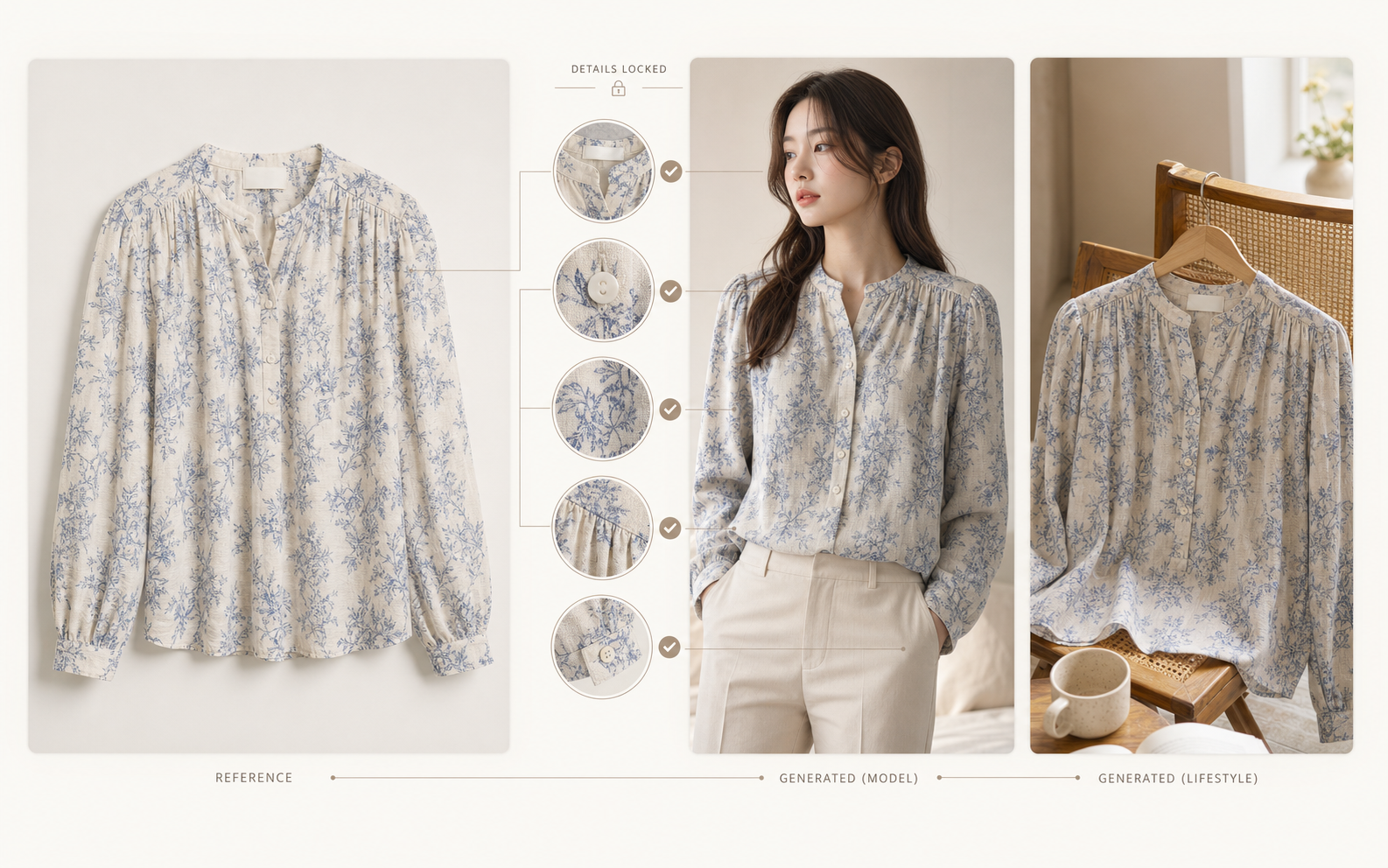
Lock the real product details
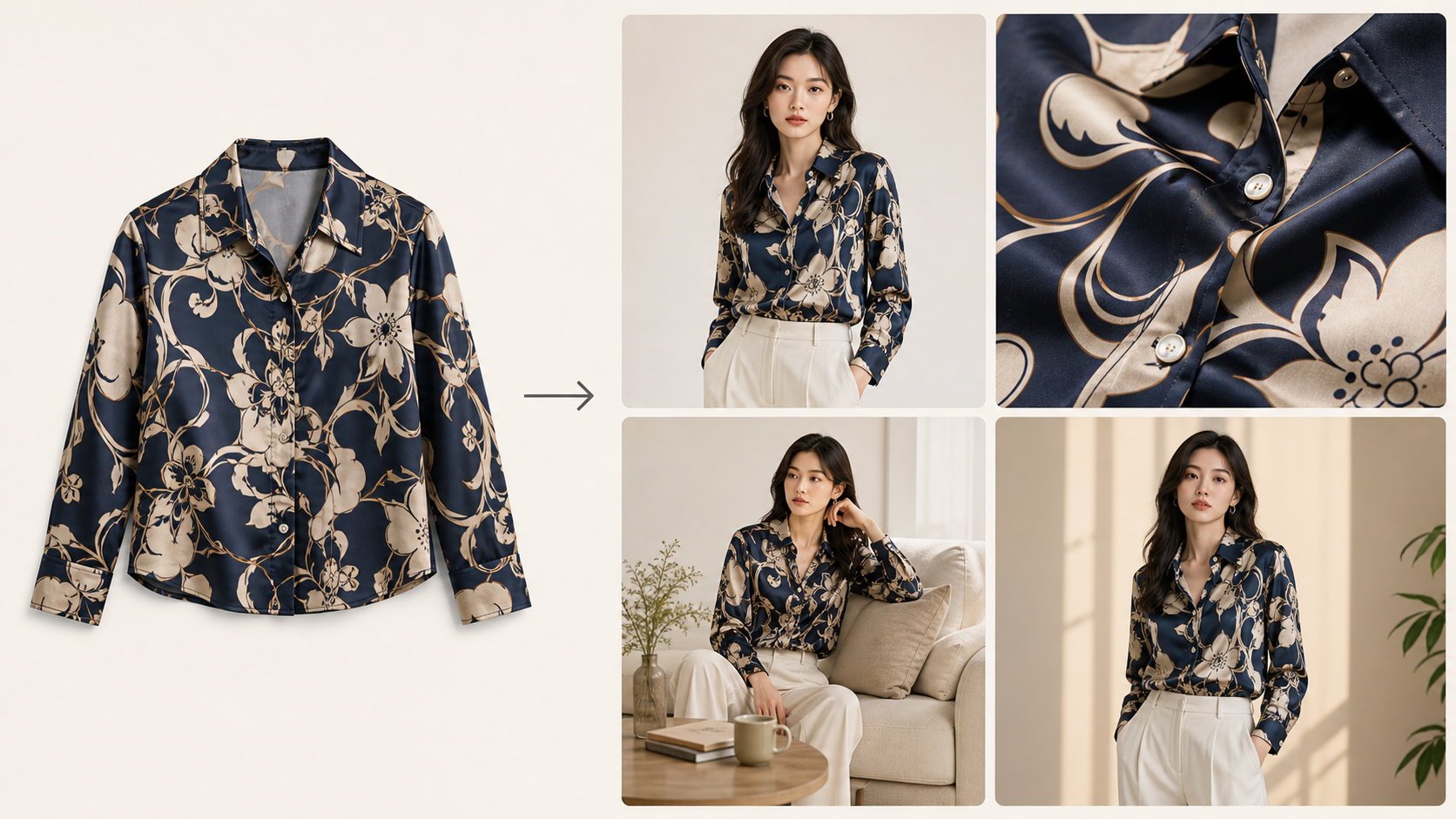
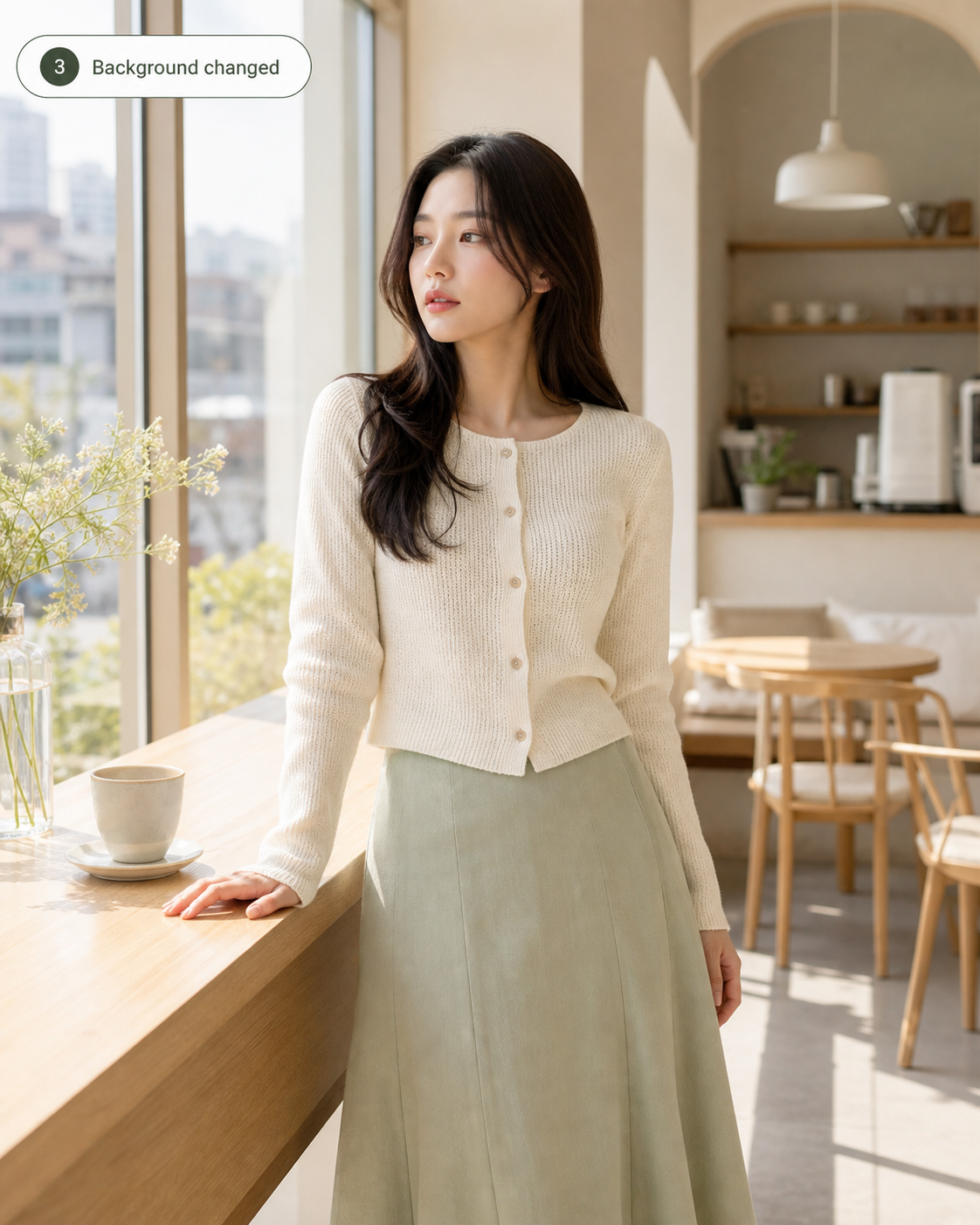
Preserve color, silhouette, fabric texture, buttons, prints, and logos while generating new model or scene images.
Online AI photo editor
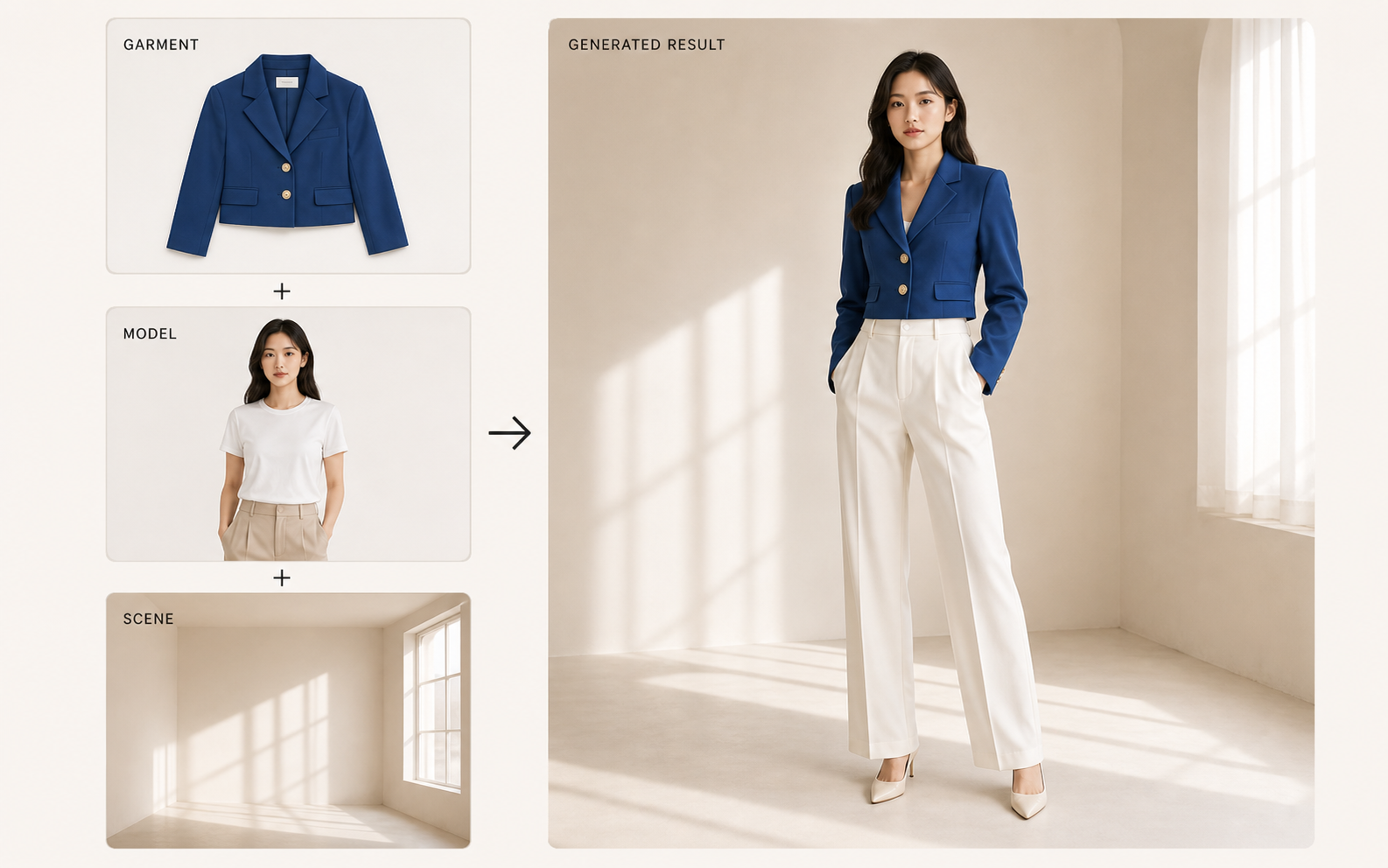
Use an AI photo editor built for commercial images. Combine product, model, and scene references while changing backgrounds, poses, outfits, and formats.
Precise AI photo editing
Photor combines an AI photo editor and AI image editor with reference-based control. Preserve products and identities, then change only the parts you ask to edit.
Preserve color, silhouette, fabric texture, buttons, prints, and logos while generating new model or scene images.
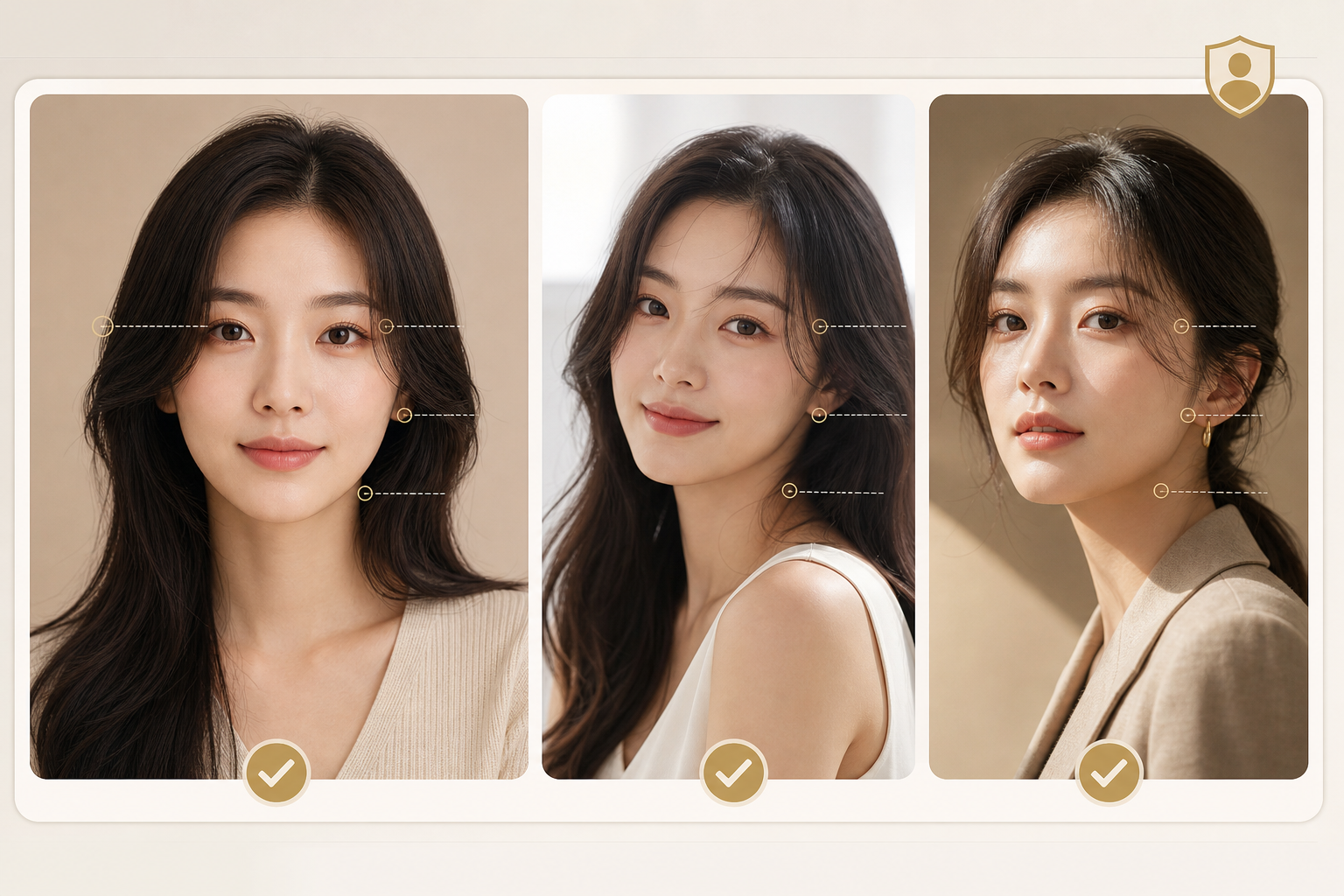
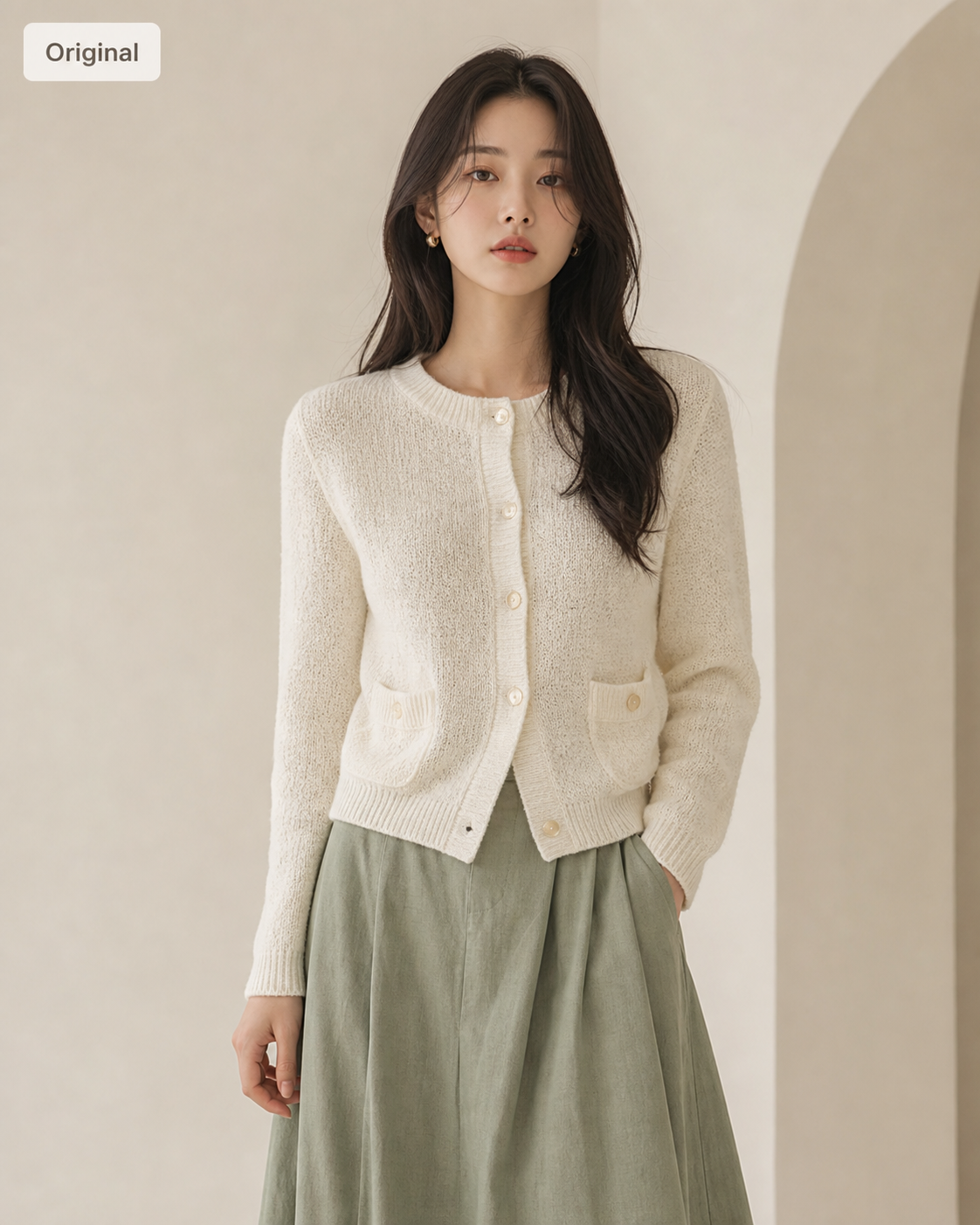
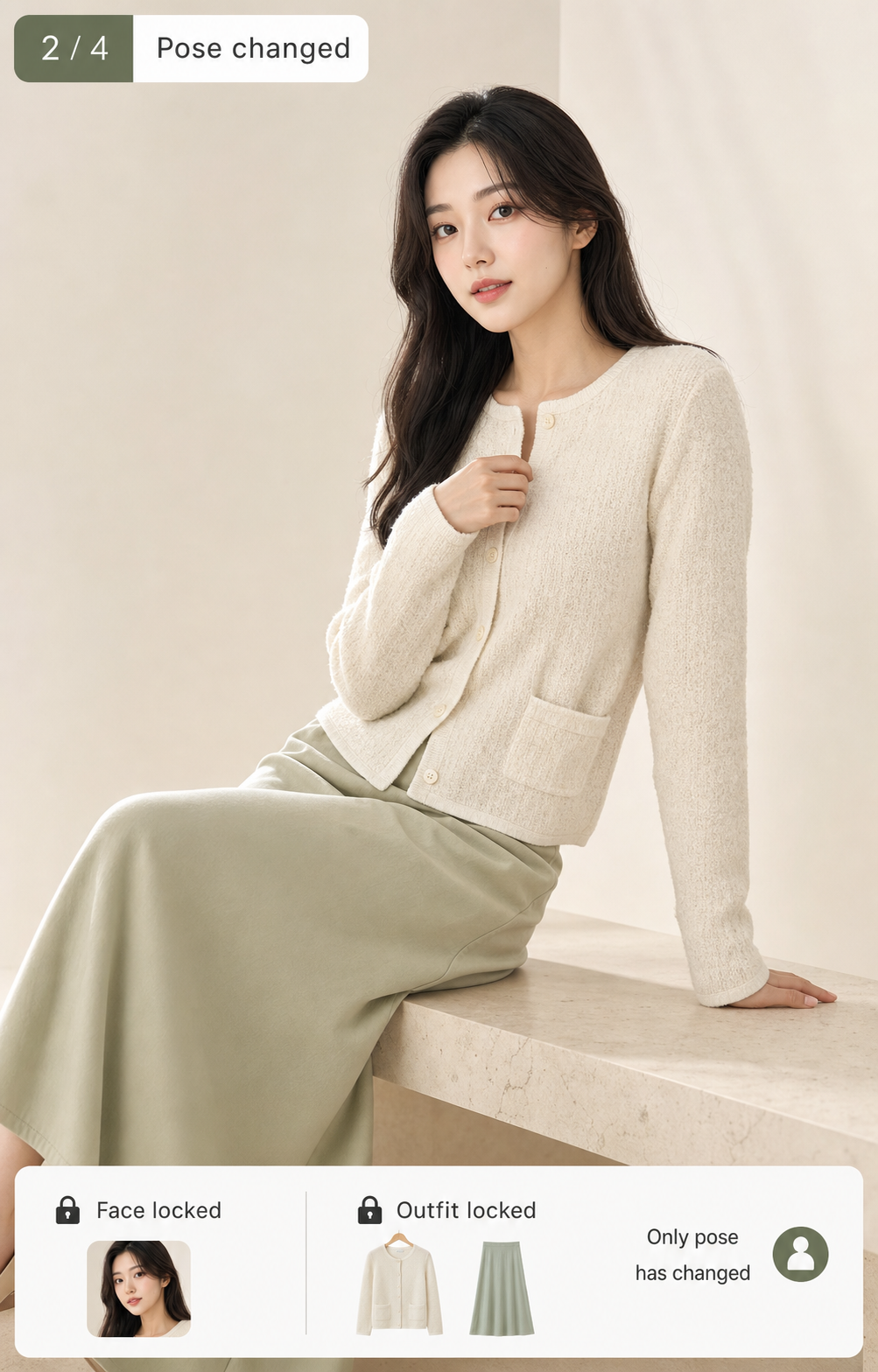
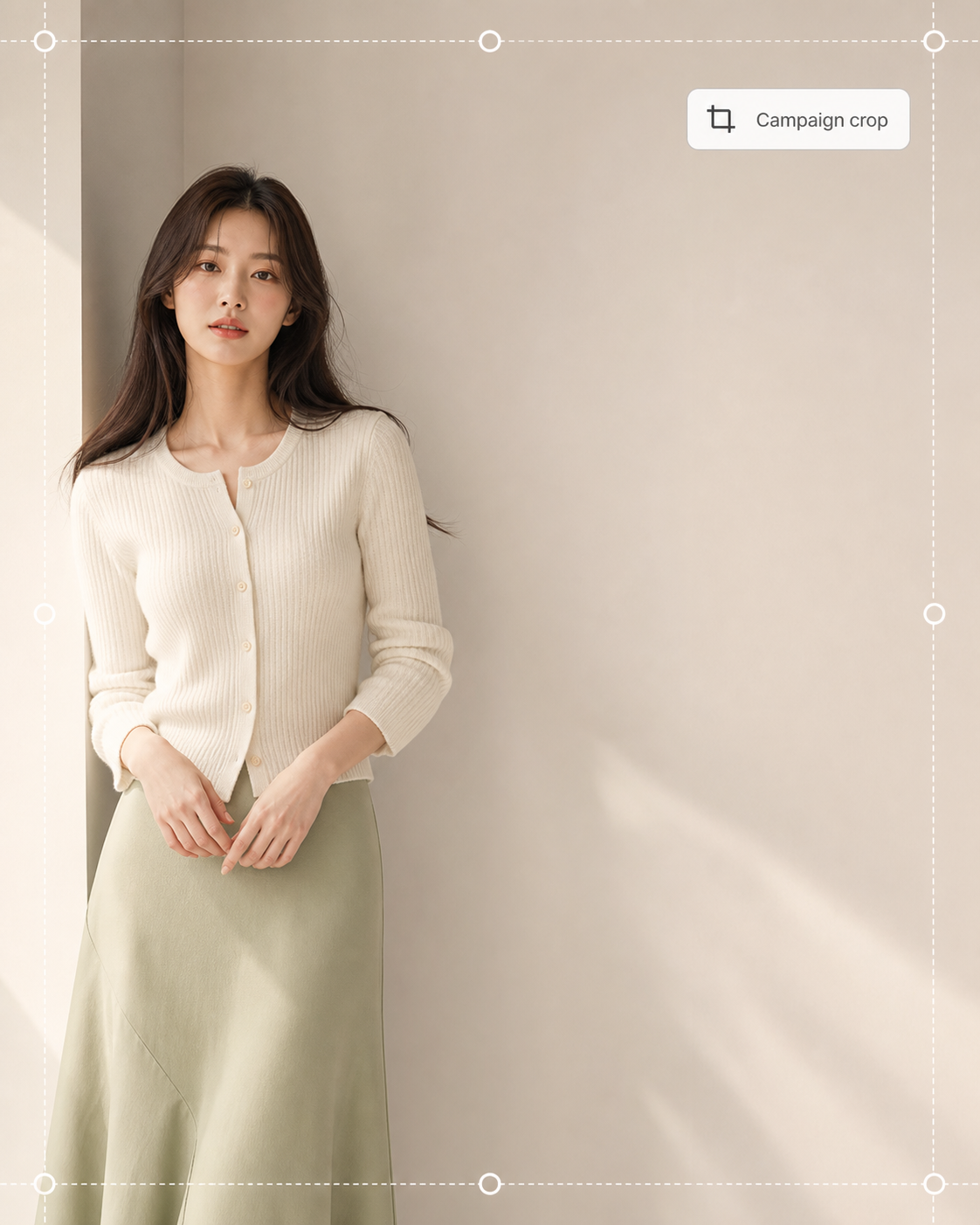
Preserve the same face, proportions, hairstyle, and expression when creating new poses, crops, and campaign variations.
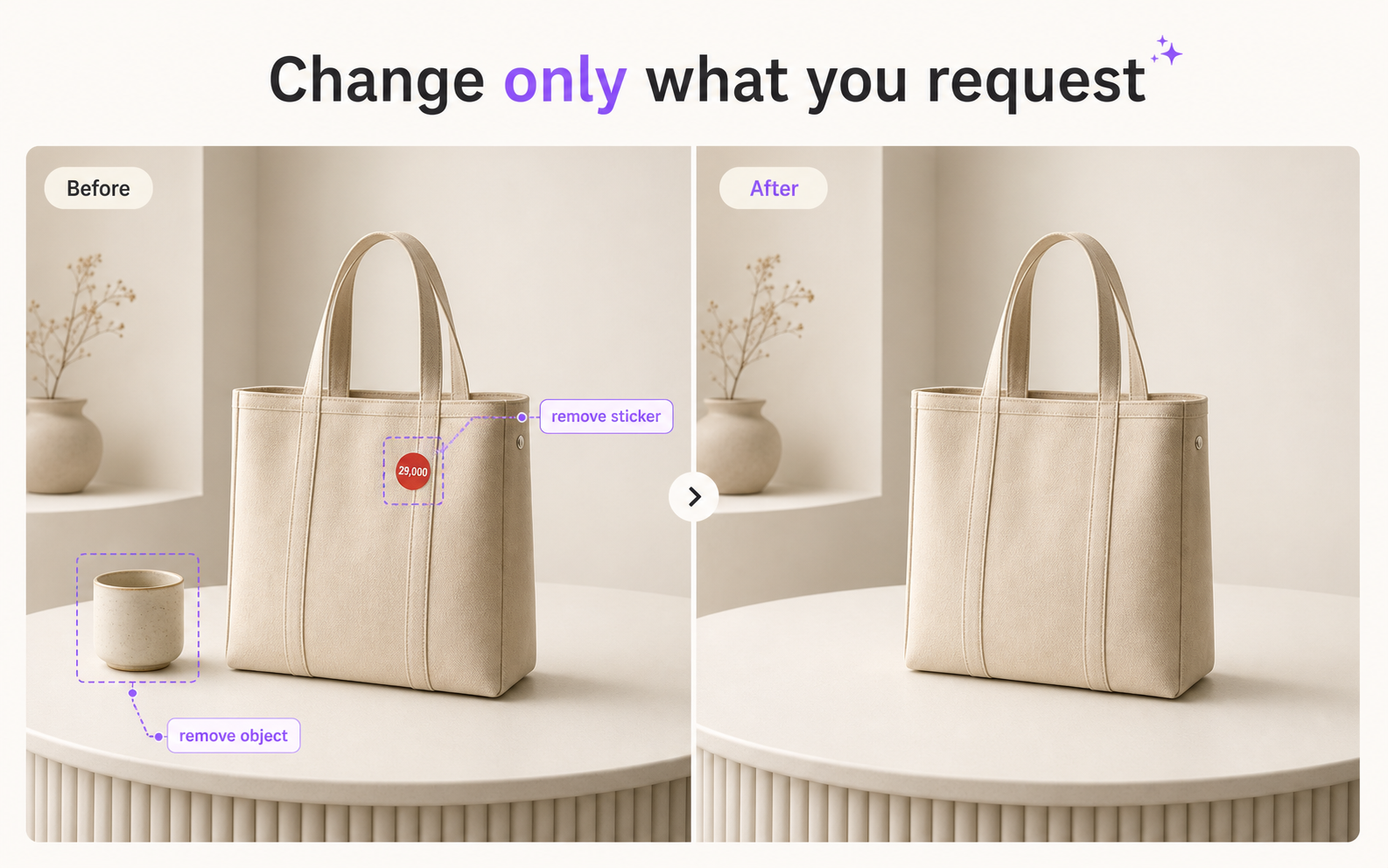
Adjust the background, object, text, or composition while keeping everything else intact.
AI fashion model generator
Upload one product photo and create model variations while preserving color, pattern, construction, and fit.
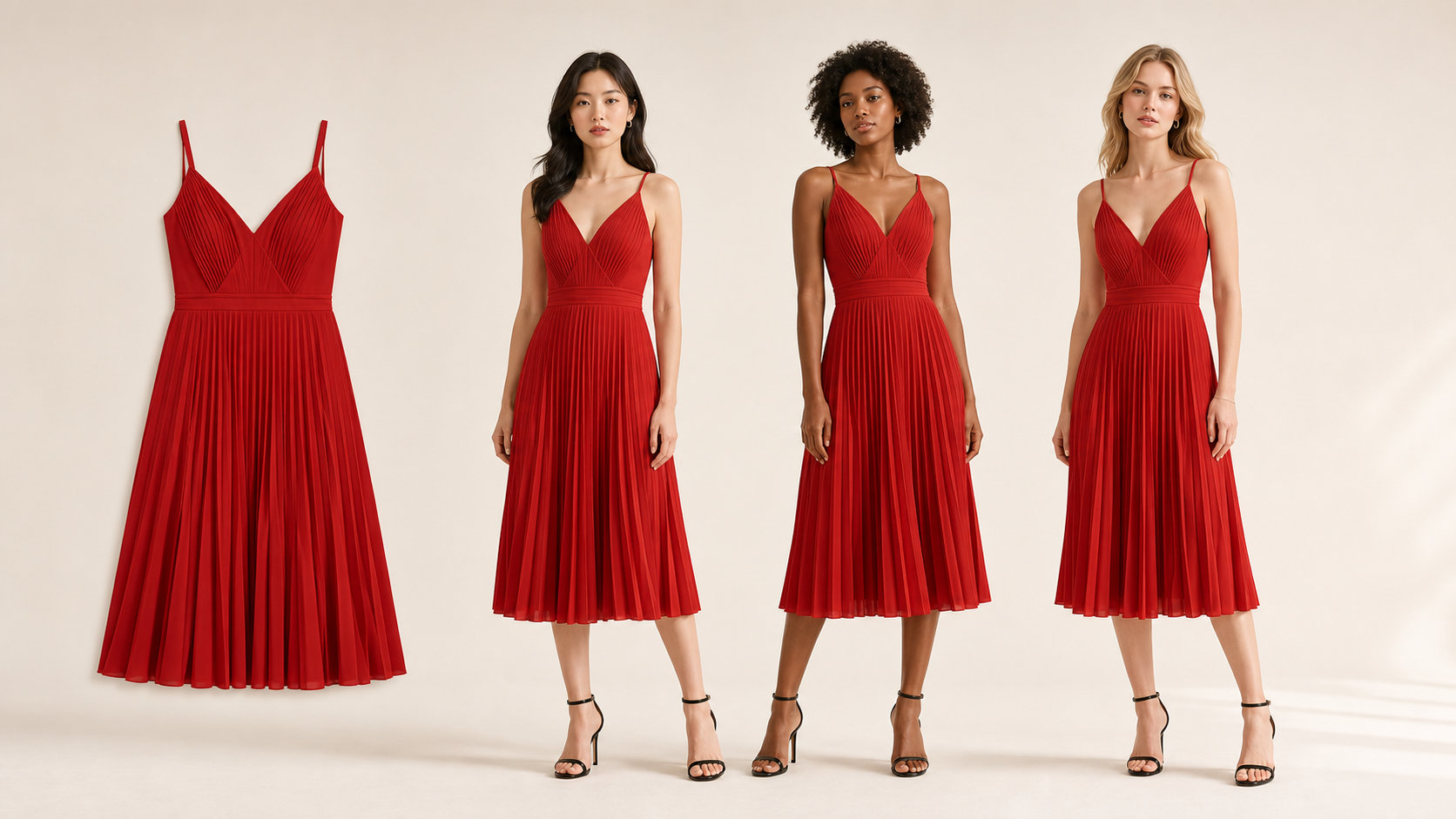
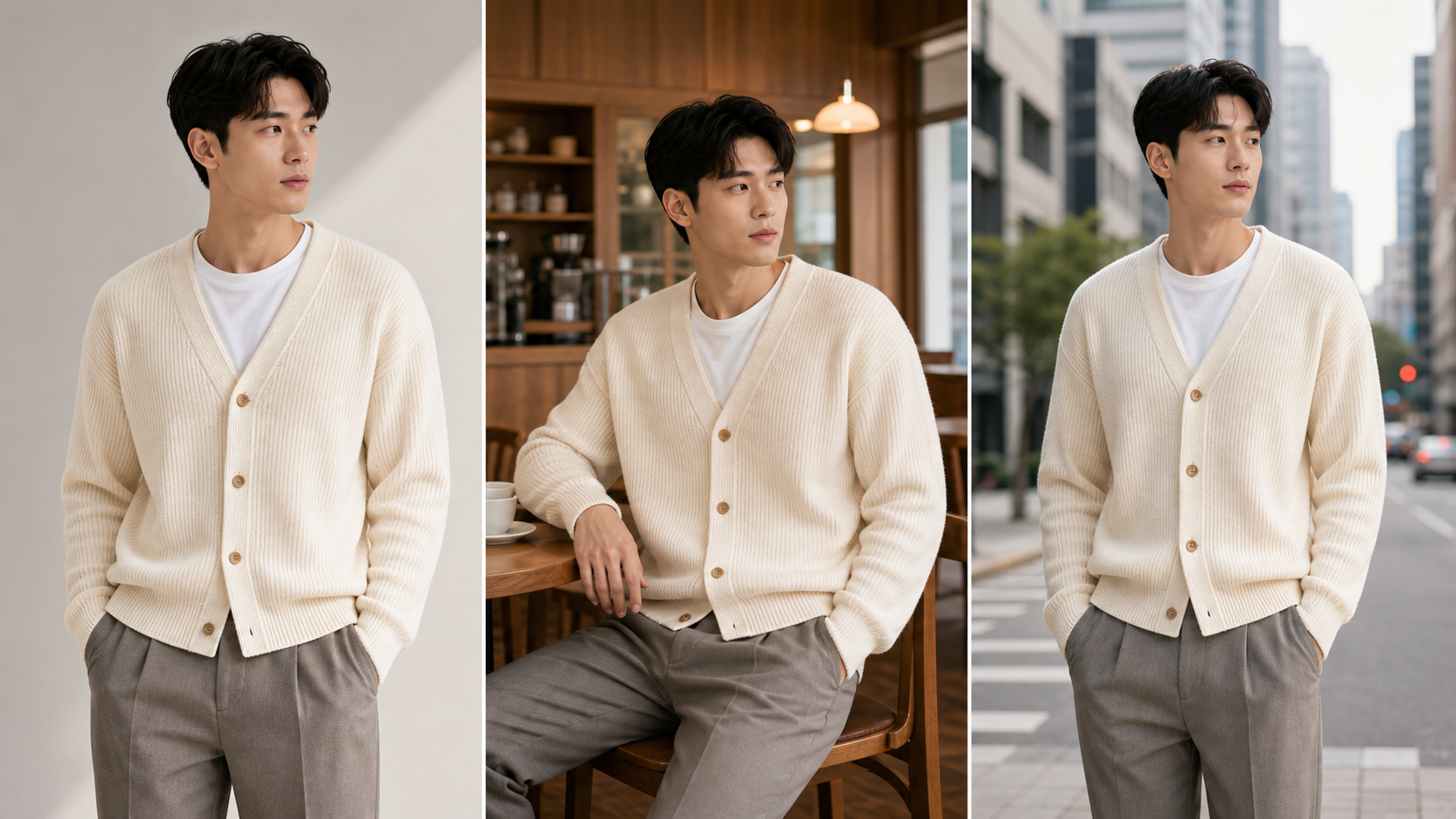
Identity & scene consistency
Maintain the same identity and outfit while changing the scene, mood, or campaign context. This AI photo editor keeps every result connected to an approved reference.
AI product photo generator
Generate accurate listings, detail-page content, lifestyle images, and campaign formats from a single source.
AI marketing image generator
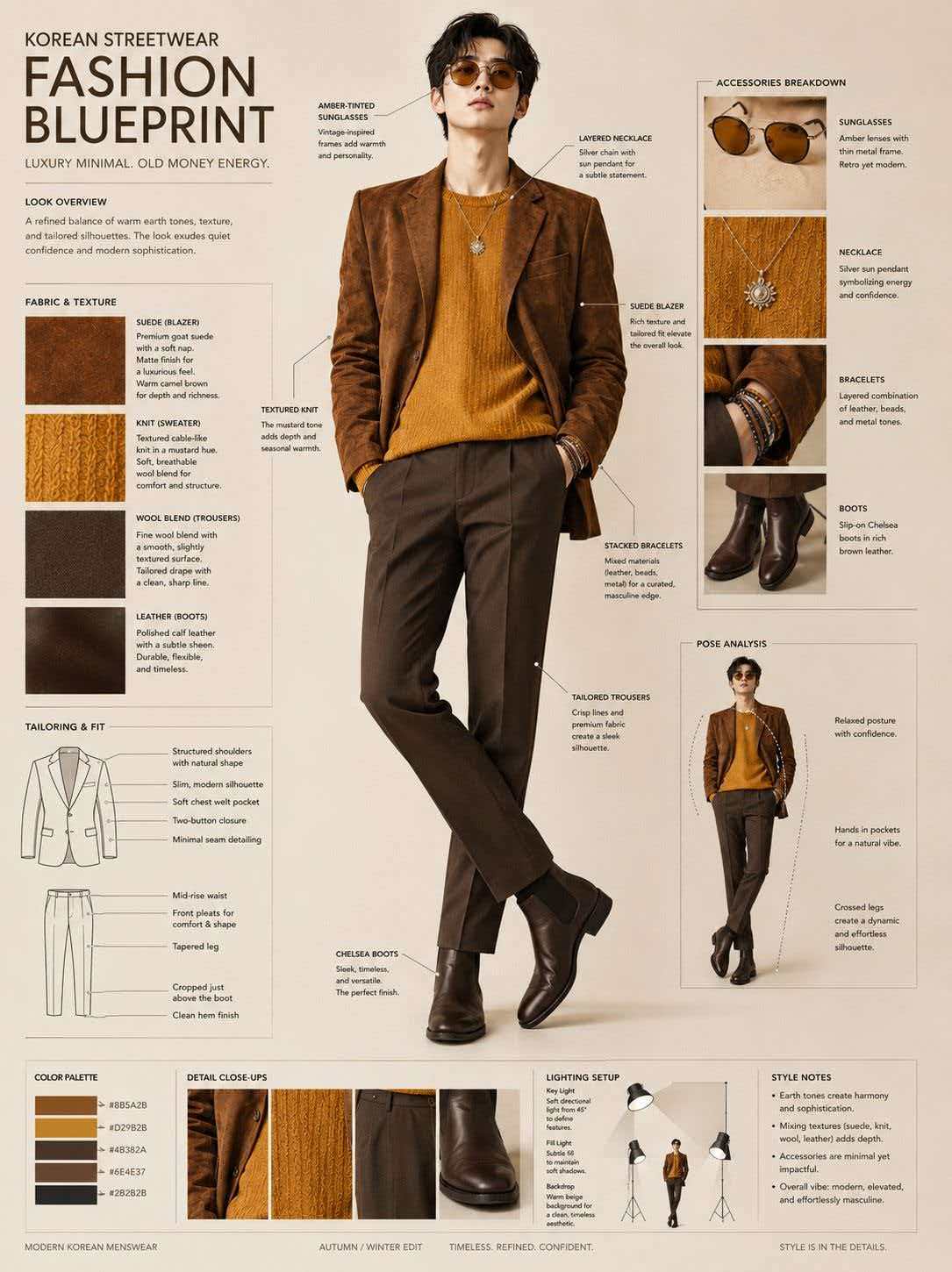
Reuse the same products and models across marketplace banners, social ads, email headers, and posters. Use Photor as an AI image editor for consistent campaign composition and copy space.


Continuous editing
Approve a result, lock what matters, and create new versions without rewriting every instruction. Track history, compare changes, and generate a consistent campaign.
Choose the right workflow
Define what to preserve first, then describe what should change. That is the fastest path to a usable commercial image.
Keep color, pattern, silhouette, stitching, labels, or logos accurate.
Keep the same face, hairstyle, proportions, or expression recognizable.
Keep lighting, mood, brand direction, or campaign look consistent.
Change one object, text area, background, or crop without rebuilding the image.
AI photo editing tools
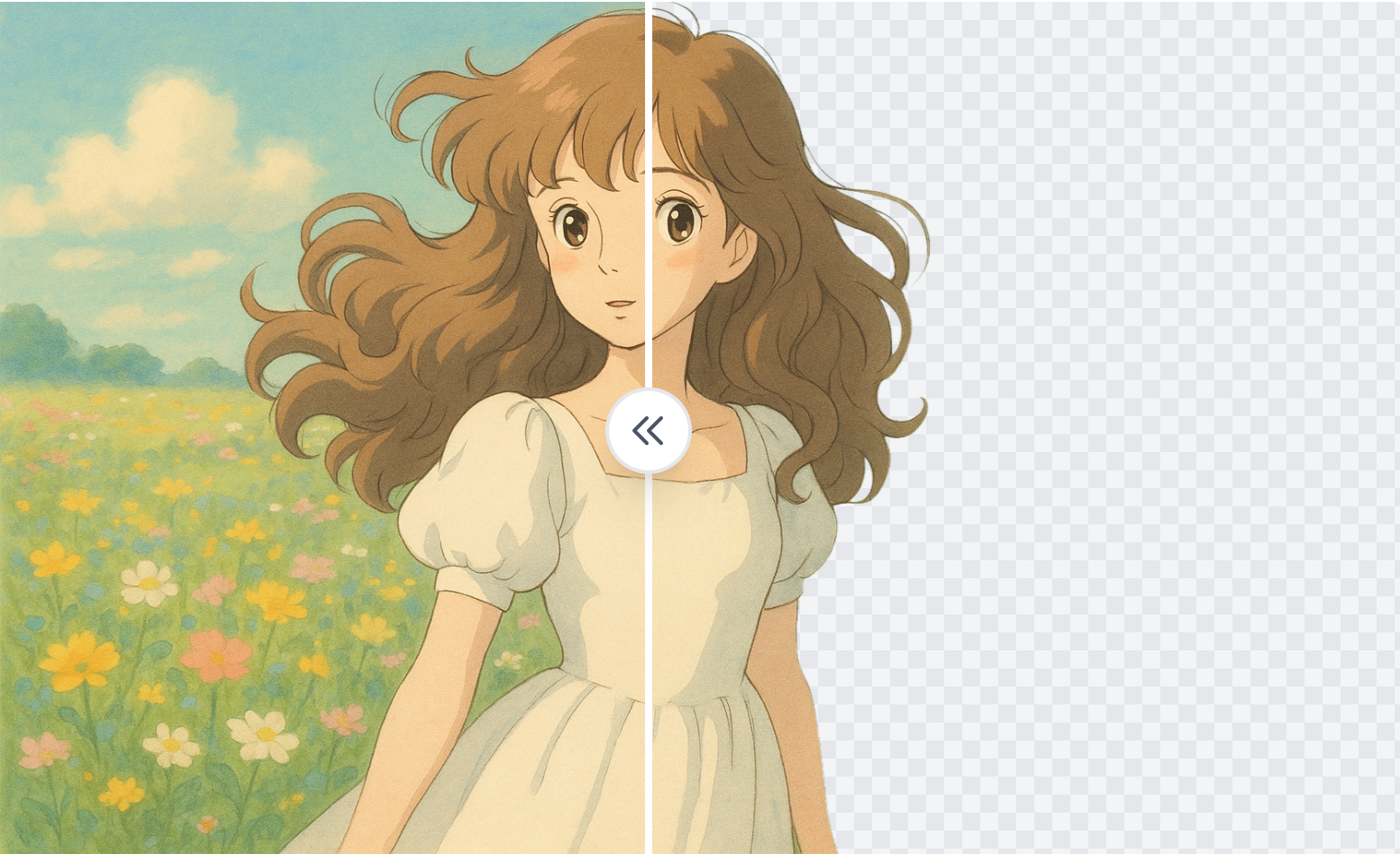 Background RemoverCut out products, portraits, and detailed subjects with clean transparent backgrounds.
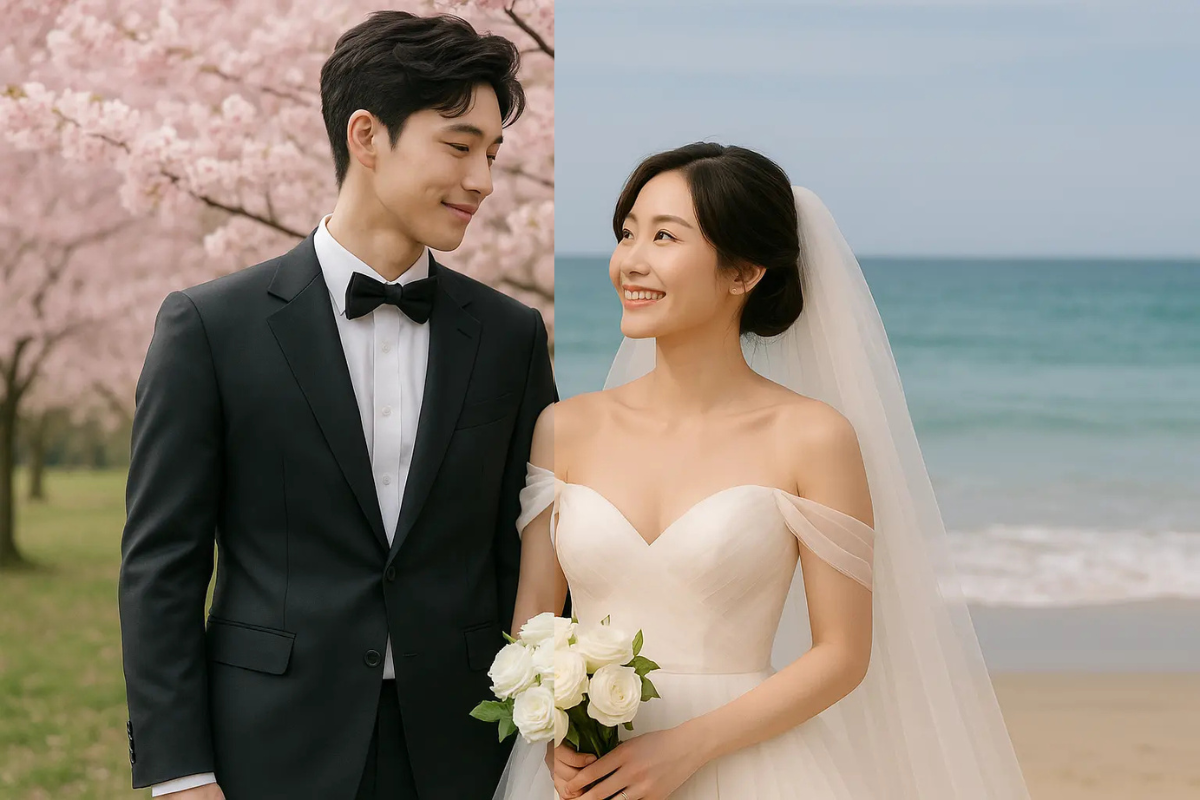 Background ChangerMove products and people into new scenes while keeping the subject visually consistent.
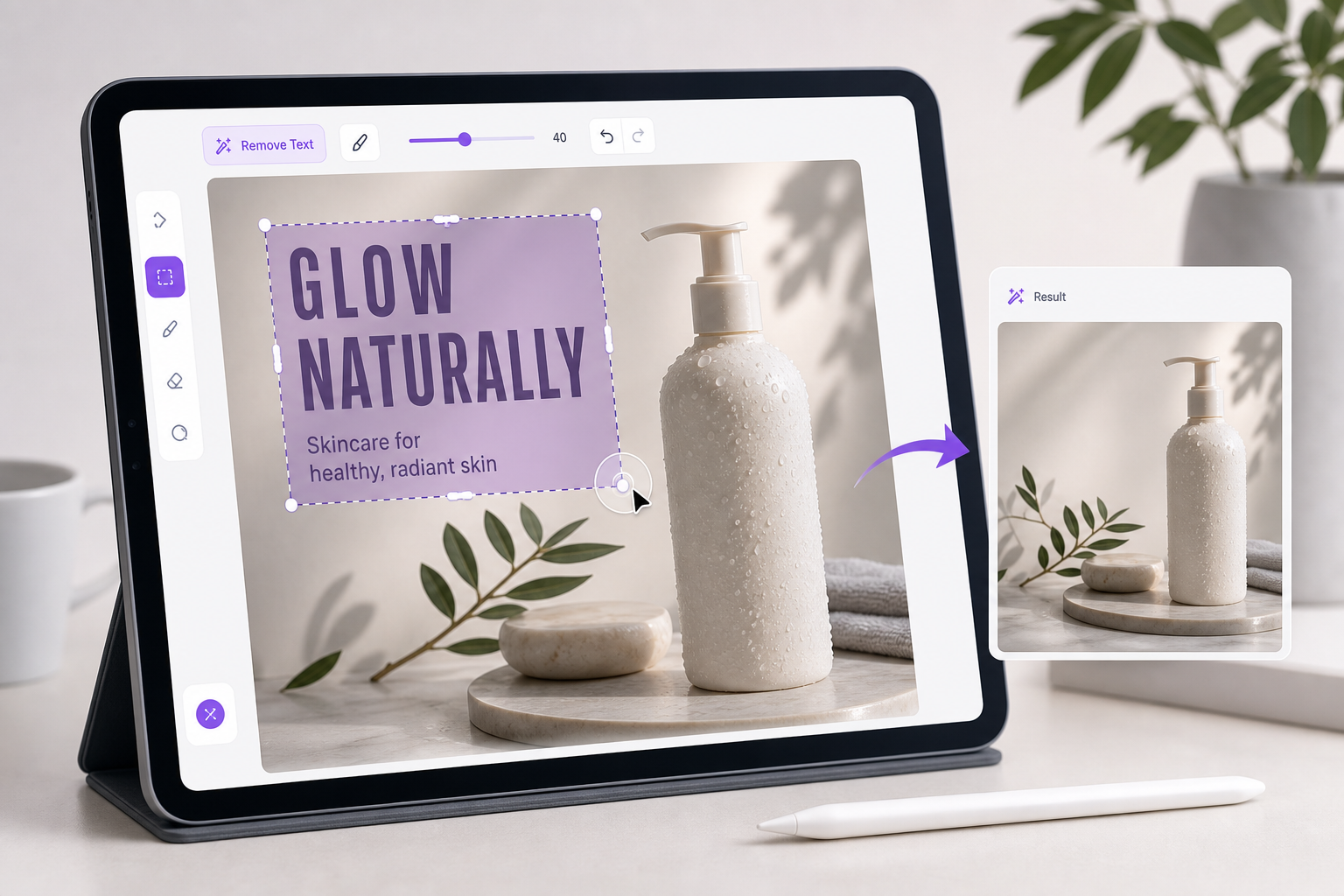 Remove Text From ImageErase captions, labels, signs, and unwanted text while reconstructing the background.
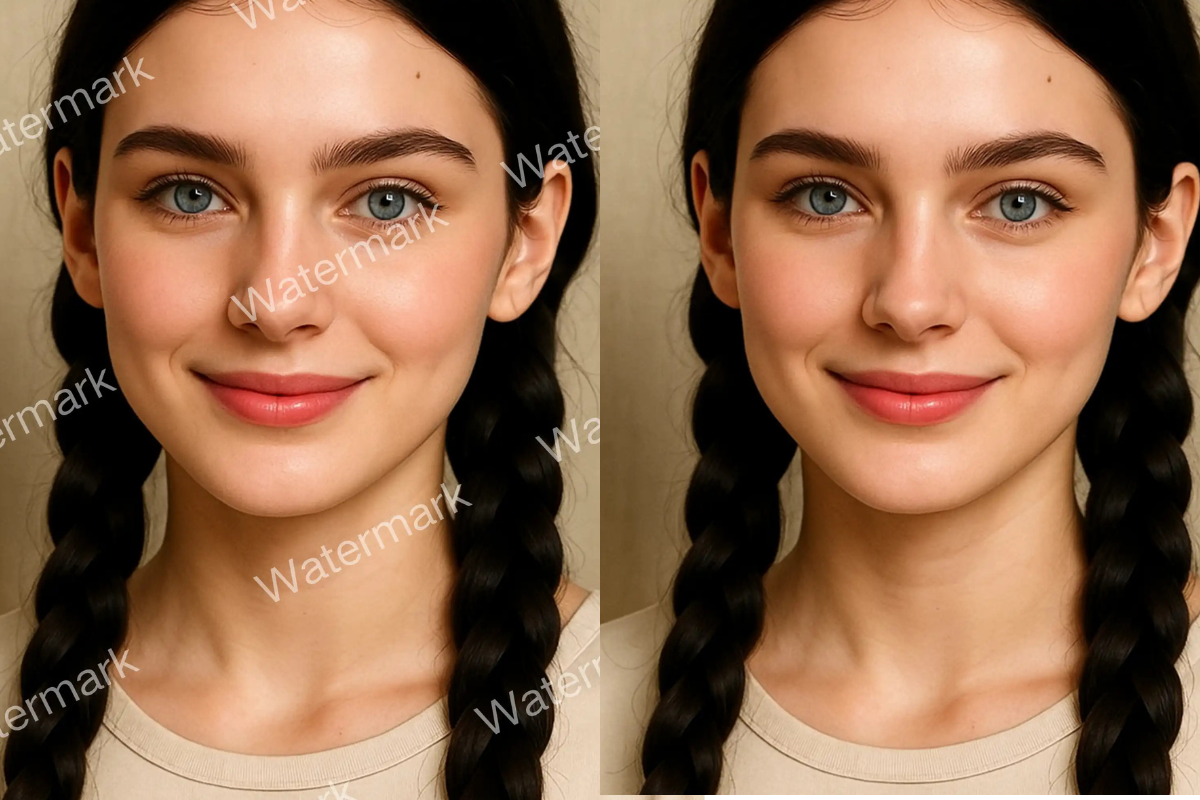 Watermark RemoverClean unwanted marks from images you own and keep the surrounding details natural.
Frequently asked questions
Photor uses your product image as a visual reference to preserve color, pattern, silhouette, and construction. Review critical details before publishing.
Start from a product, person, or scene reference. Open the AI photo editor, generate the first usable image, then build the rest of your campaign.