 Photor.ai
3–15 seconds
Kling 3.0 AI Video Generator
Text to video and image to video with advanced generation controls
Powerful Kling 3.0 Features
Multi-Character Dialogue
Build scenes where several characters speak and react to each other with natural pacing—ideal for stories, skits, and narrative ads.
Cross-Lingual Audio Generation
Create audio that follows your creative direction across languages and regions, so one workflow can serve global audiences.
Characters & Scenes in One Go
Establish who is on screen and where the action happens in a single generation—fewer mismatches between cast, wardrobe, and environment.
Photorealistic Quality & Precise Text
Push for lifelike motion, materials, and lighting while keeping on-screen text and logos sharper and more readable when it matters.
How to Use Kling 3.0
Choose Type
Select Text to Video or Image to Video based on whether you want to upload reference images.
Set Controls
Write your prompt, then choose mode, duration (slider), aspect ratio, and Audio.
Generate & Download
Start generation, track progress, and download your completed clip.
Why Choose Kling 3.0
Multi-Character Dialogue
Kling 3.0 is built for scenes where more than one character speaks and reacts. You can describe interactions, tone, and pacing in your prompt so dialogue-driven shorts, skits, and story beats feel more natural without stitching separate takes together.
Cross-Lingual Audio
Generate audio that fits different languages and vocal styles from a single creative workflow. It helps teams ship localized promos, global campaigns, and multilingual social clips while keeping motion and mood aligned with your prompt.
Characters & Scenes Together
Establish cast, wardrobe, and environment in one coherent generation pass. That means fewer mismatches between who is on screen and where the action happens—useful for branded stories, continuity-heavy concepts, and faster iteration.
Realism & Readable Text
Push for photoreal motion, lighting, and materials while improving how on-screen text, signage, and logos read in-frame. It is a strong fit for product showcases, UI mockups in video, and premium-looking social cuts.
Std, Pro & 3–15s Control
Switch between Standard and Pro to balance speed and fidelity, and set clip length from 3 to 15 seconds with the slider. Together with 16:9, 9:16, and 1:1 ratios, you can target web, Reels, Shorts, and square feeds from one tool.
Text or Image to Video
Start from a pure text prompt or use Image to Video with optional start and end frames to guide motion and transitions. The same prompt field and controls apply across both paths, so you can move between ideas and reference-guided shots quickly.
Kling 3.0 Use Cases
Narrative & Dialogue
Create short scenes with multiple speakers—ads, episodic teasers, or character-driven social hooks. Describe who says what and how they react; Kling 3.0 helps you explore dialogue-first storytelling without a full production crew.
Global Marketing
Produce campaign variants for different regions with cross-lingual audio direction in your prompts. Pair with 9:16 or 1:1 for vertical ads and fast A/B tests while keeping visual style consistent across languages.
Brand & Product Video
Highlight products with realistic materials, lighting, and legible packaging text in frame. Use Text to Video for concept spots or Image to Video with reference frames to lock composition before motion.
Education & Explainers
Turn lesson outlines into short motion clips for courses, onboarding, and internal training. Clear prompts help you control pacing and scene clarity so viewers grasp the idea in a few seconds.
Explore More AI Video Models
Discover top AI video models for cinematic motion, visual fidelity, and stronger prompt control.
 NEW
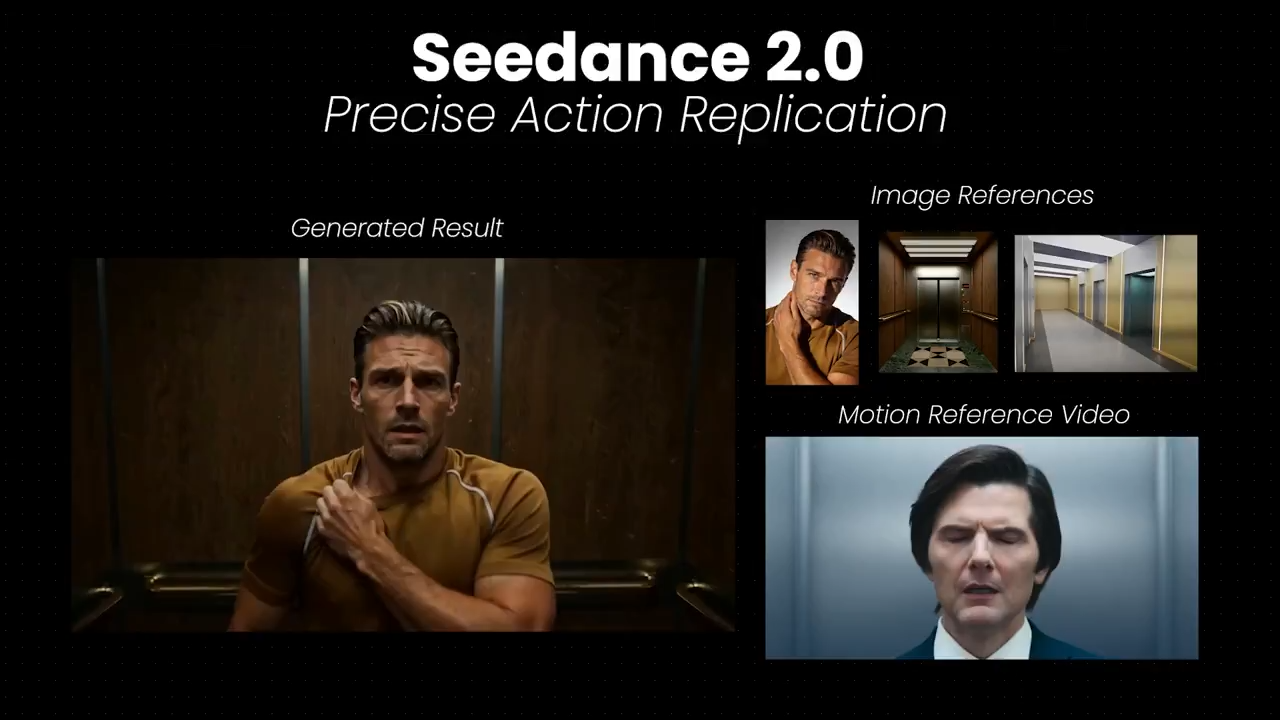
NEWSeedance 2.0
ByteDance multimodal video with strong motion control, temporal consistency, and optional synced audio.
 HOT
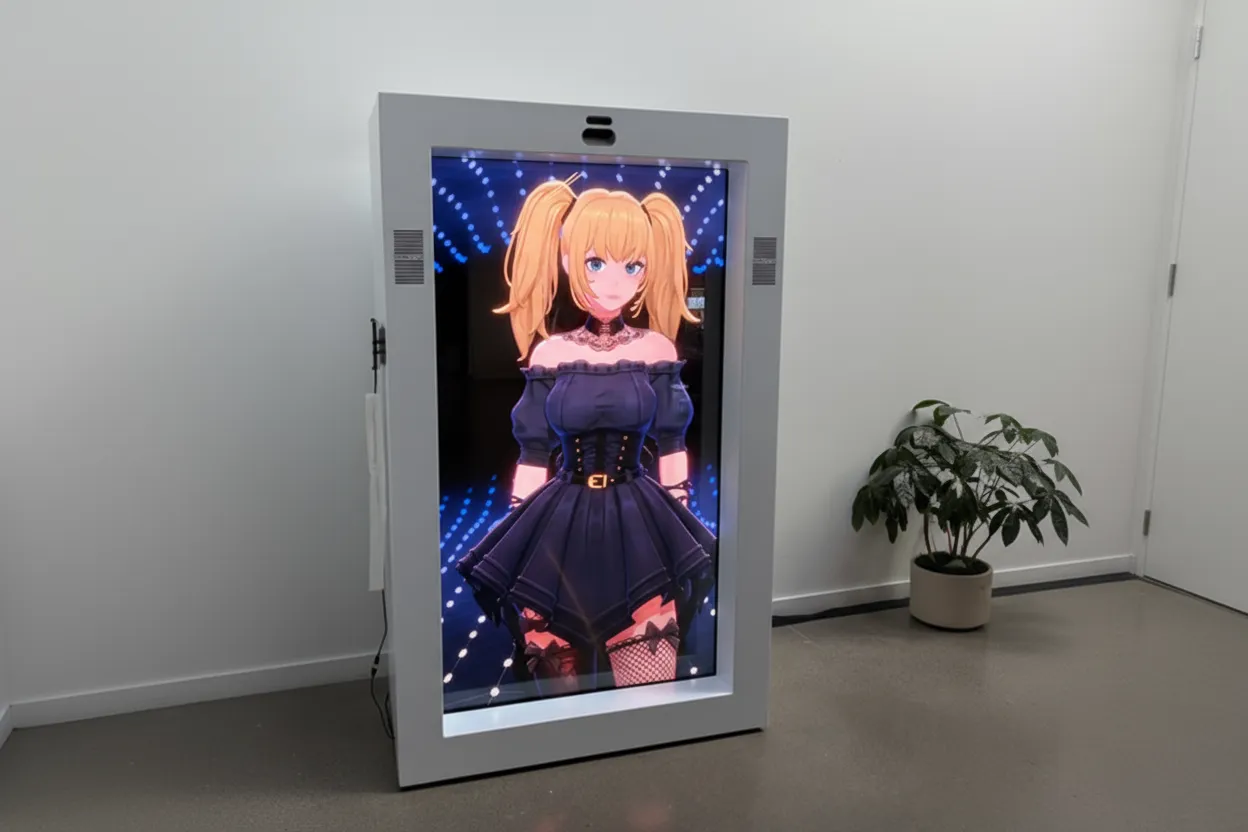
HOTGrok Imagine
xAI video model for expressive motion, stylized scenes, and vivid cinematic storytelling.
 HOT
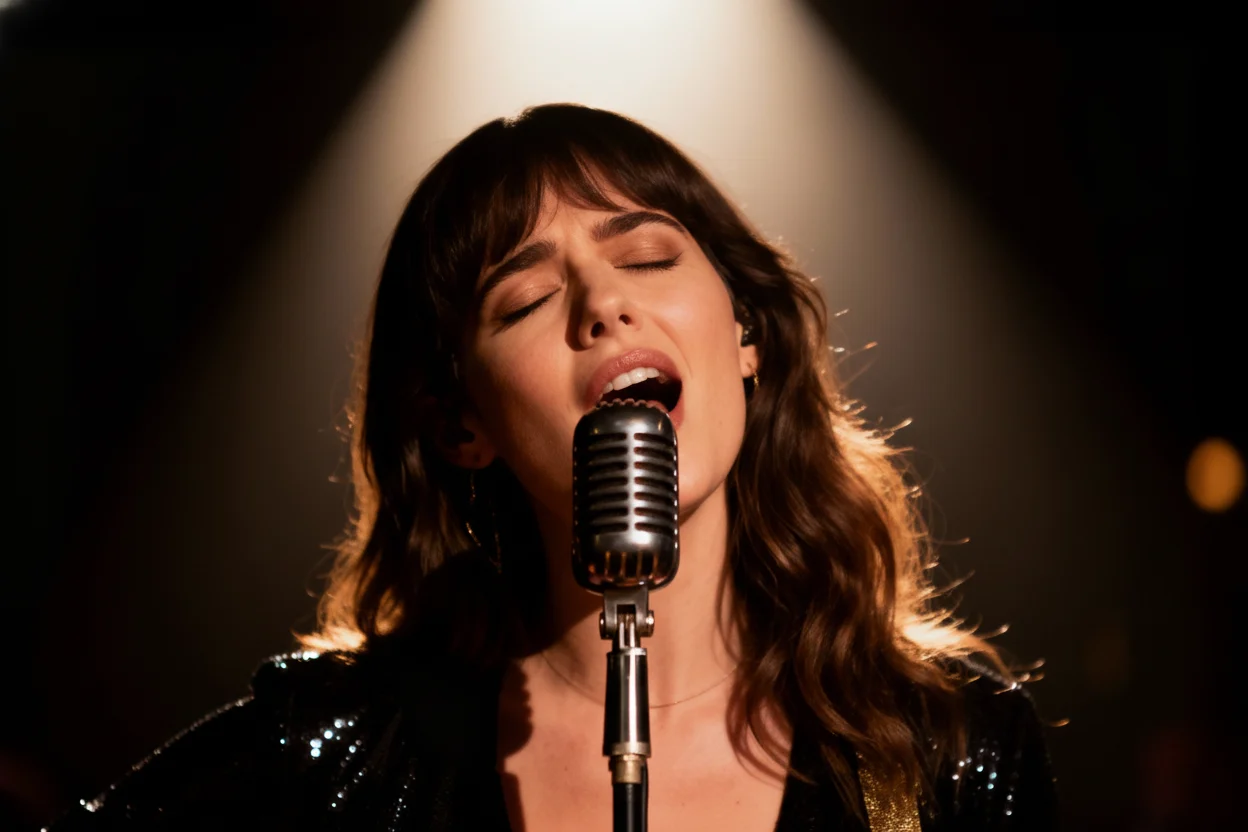
HOTVeo 3.0
Google Veo 3 delivers realistic motion, strong prompt alignment, and premium visual quality.
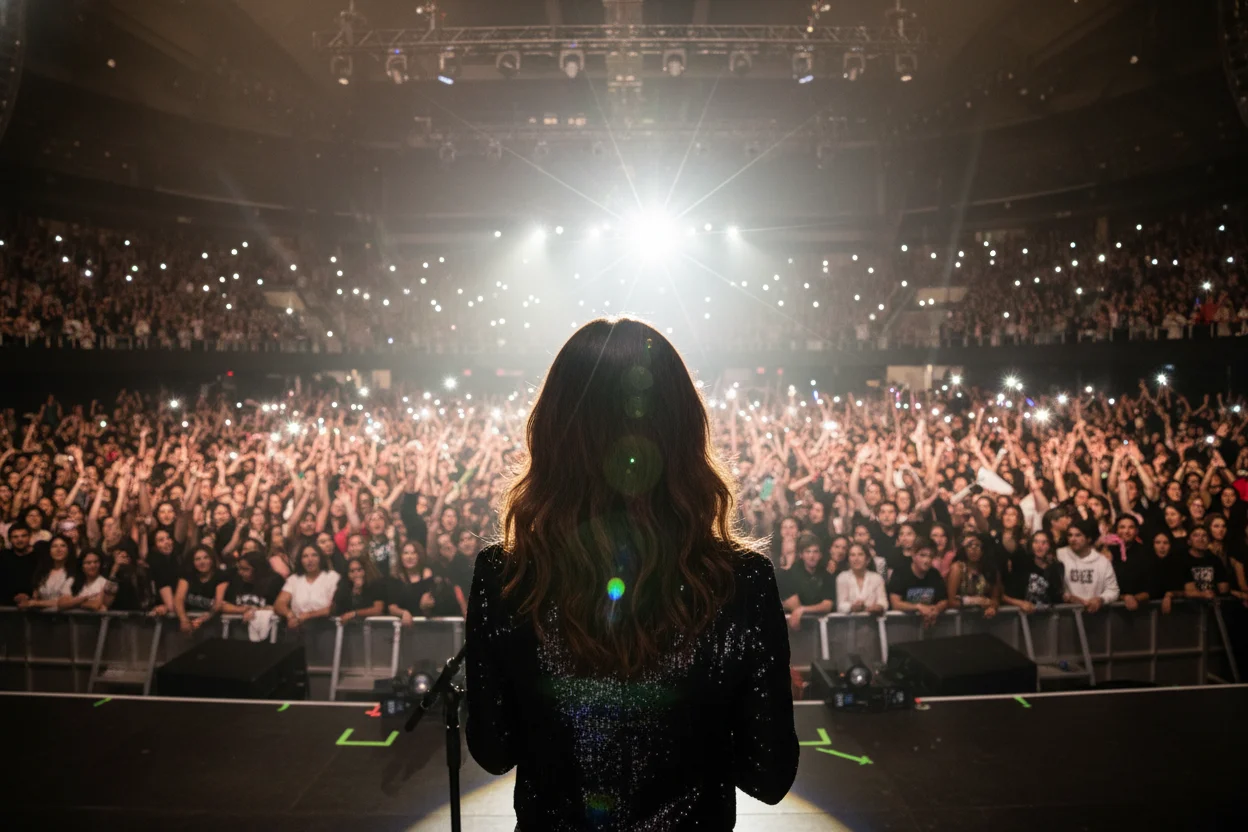
Sora 2
OpenAI Sora 2 focuses on high-fidelity motion generation and robust scene understanding.