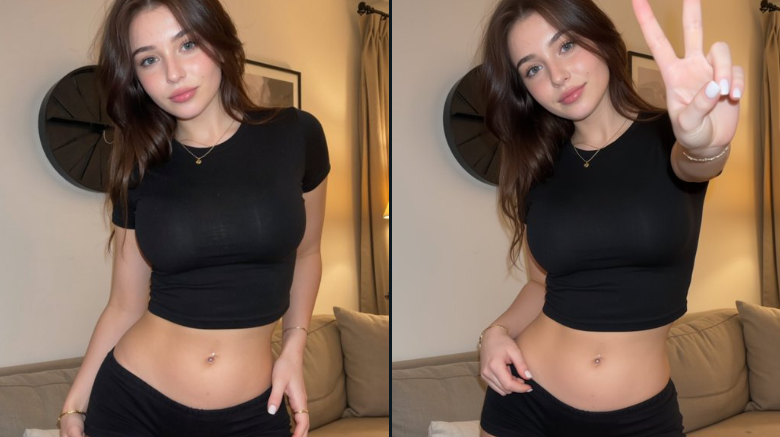
Keep the person recognizable while changing the pose
Use a person or model reference as the anchor, then guide the pose, expression, camera angle, or profile-photo style without drifting away from the original identity.
Photor.aiUpload person, model, outfit, pose, background, or style references. Mark each image role below.
Upload a person, outfit, pose, or style reference. Change the model image while preserving identity, garment details, and natural realism.

This page is for prompts where the person matters. Upload a person, model, outfit, pose, background, or style reference, then choose whether to change pose, outfit, expression, profile photo style, scene, or character direction while keeping identity stable.


Use a person or model reference as the anchor, then guide the pose, expression, camera angle, or profile-photo style without drifting away from the original identity.

Most model prompts need clear roles: one image for the person, one for outfit, one for pose, and another for style or background. The page makes those roles explicit.

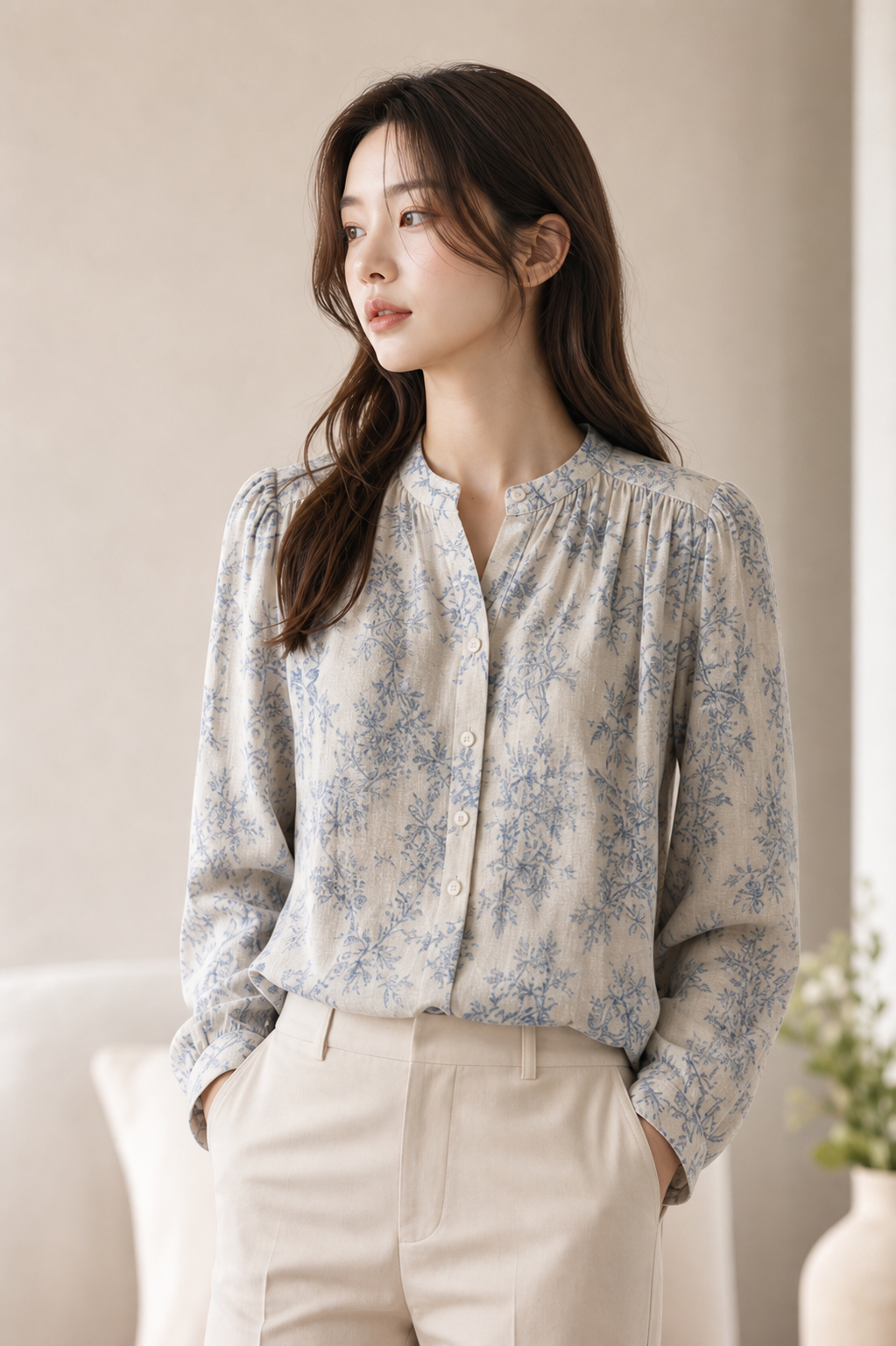
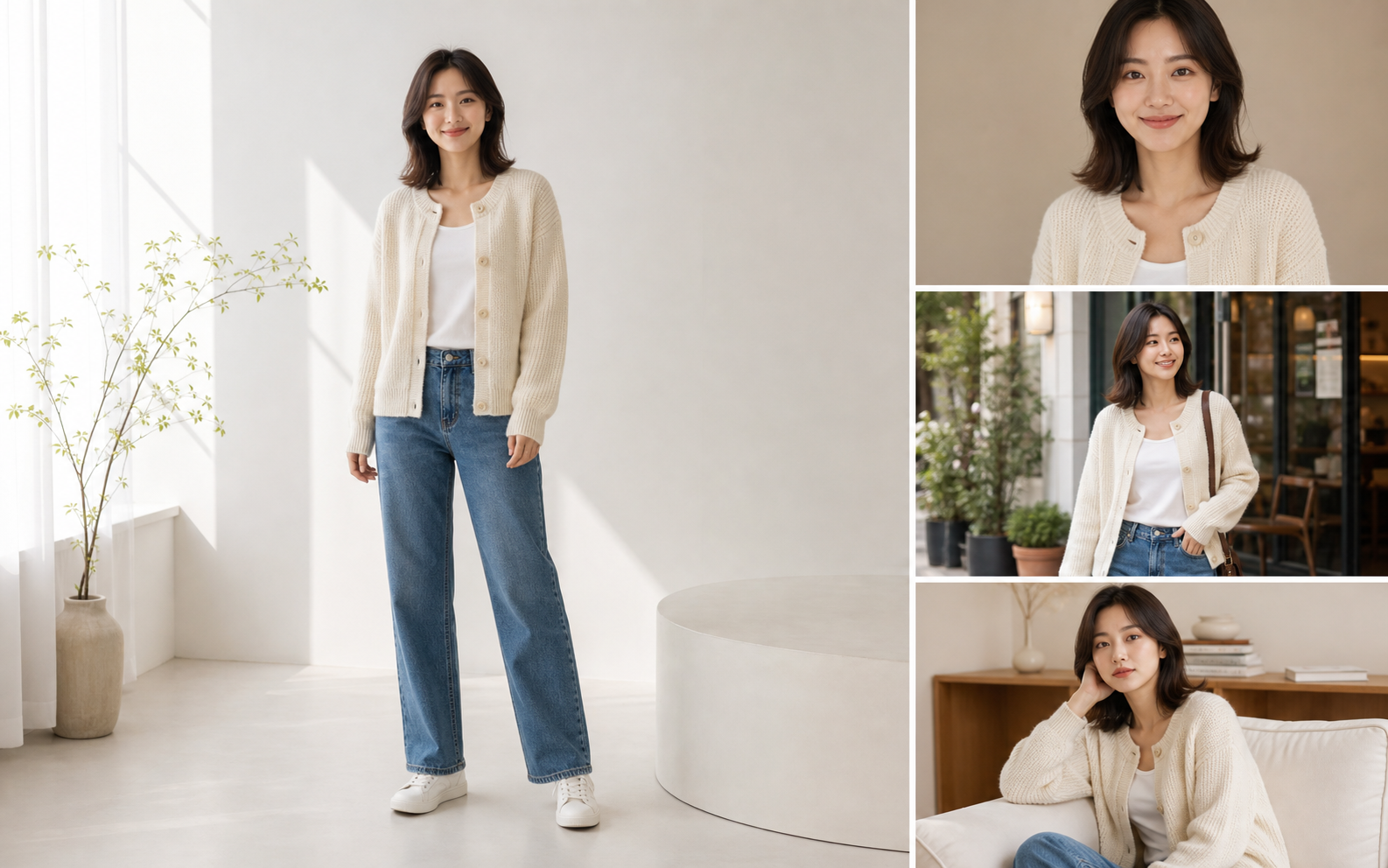
The workflow supports practical model-image jobs from recent prompts: Korean profile photos, outfit changes, pose edits, fashion ecommerce, and stylized character images.
Add the person/model first, then optional outfit, pose, background, face, or style references.
Pick change pose, change outfit, expression, profile photo, place in scene, or character.
Select face, body, outfit, hairstyle, or background locks before generating the model image.
Unlike Products or Scenes, this workspace prioritizes face identity, body shape, outfit, hairstyle, pose control, and realistic human anatomy, which are the areas users most often need to protect.
Prompts explicitly protect face geometry, body proportions, hairstyle, and recognizable details.
Separate person, outfit, pose, background, and style references instead of guessing from uploaded images.
Covers profile photos, fashion ecommerce, catalog images, social content, and character-style outputs.
The workflow tells the model exactly what to edit and what should remain untouched.
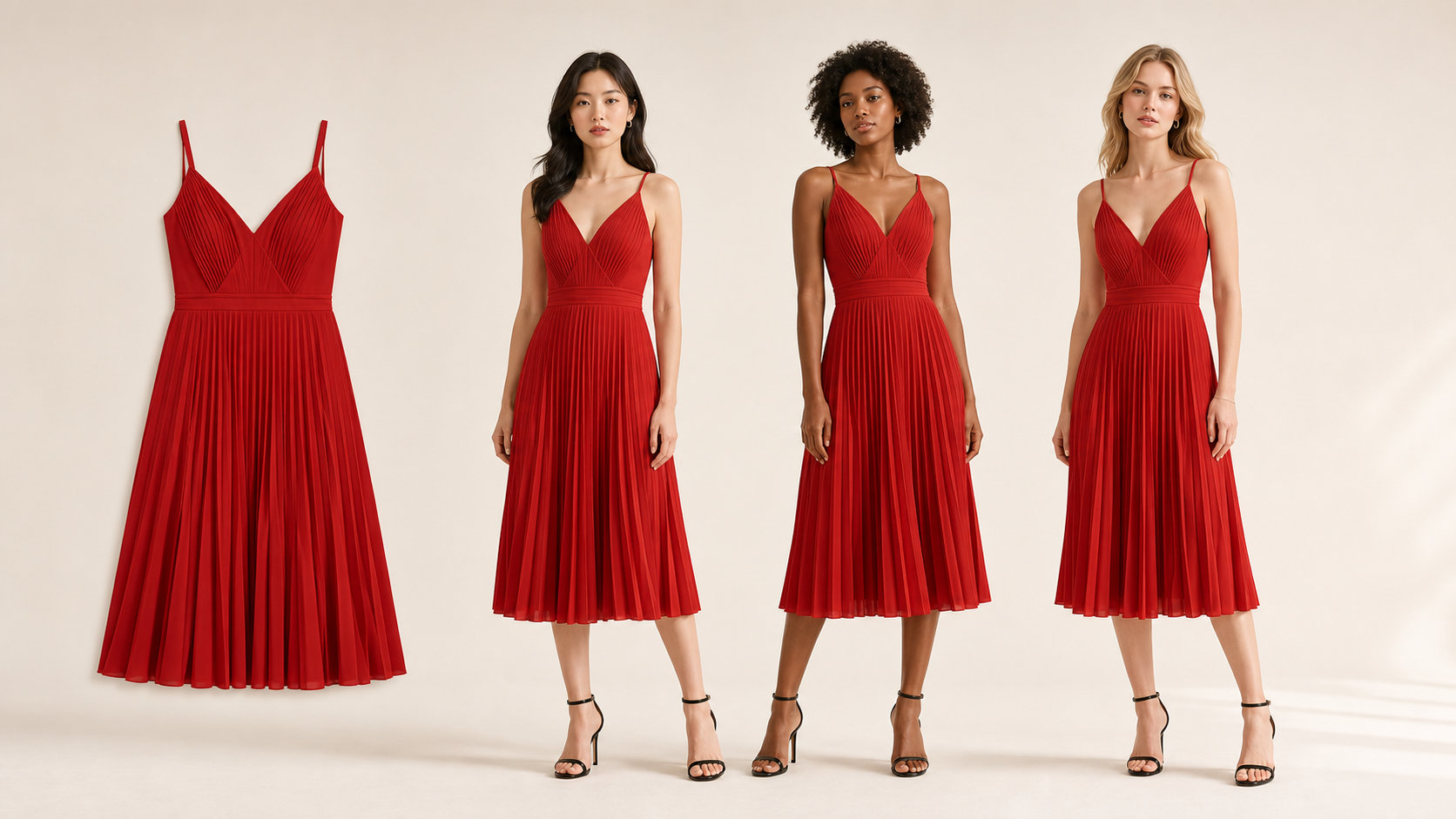
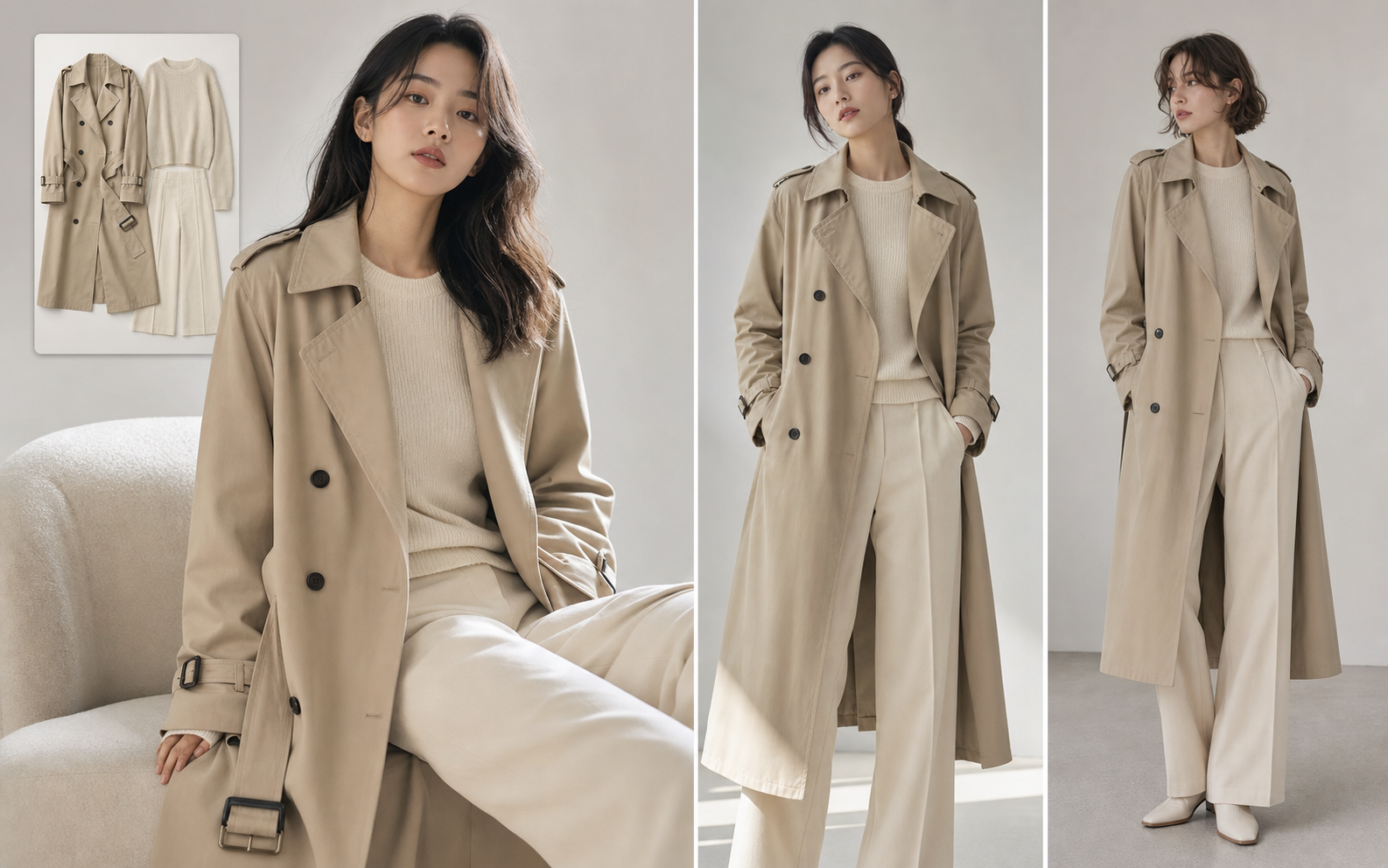
The page is designed around the prompts clothing sellers already write: keep the garment, change the model, create pose variants, and make the result look like a real catalog photo.
Create on-model images for product detail pages, collection pages, and new arrivals without booking a shoot.
Use clean styling, natural poses, and trustworthy catalog lighting that matches Korean ecommerce expectations.
Generate model, pose, and detail variations for ads, social posts, and lookbook tests.
Try other popular image models with different styles, quality, and prompt-following strengths.

Strong image generation and editing for commercial product, model, and campaign work.

Useful for fast reference-based image editing and creative variations.

Create polished image variations with stronger detail and visual consistency.

A simple model choice for quick image-to-image edits and visual experiments.
For best commercial results, yes. Clothing sellers usually need to preserve the real garment, so the workspace is built around garment or model references.