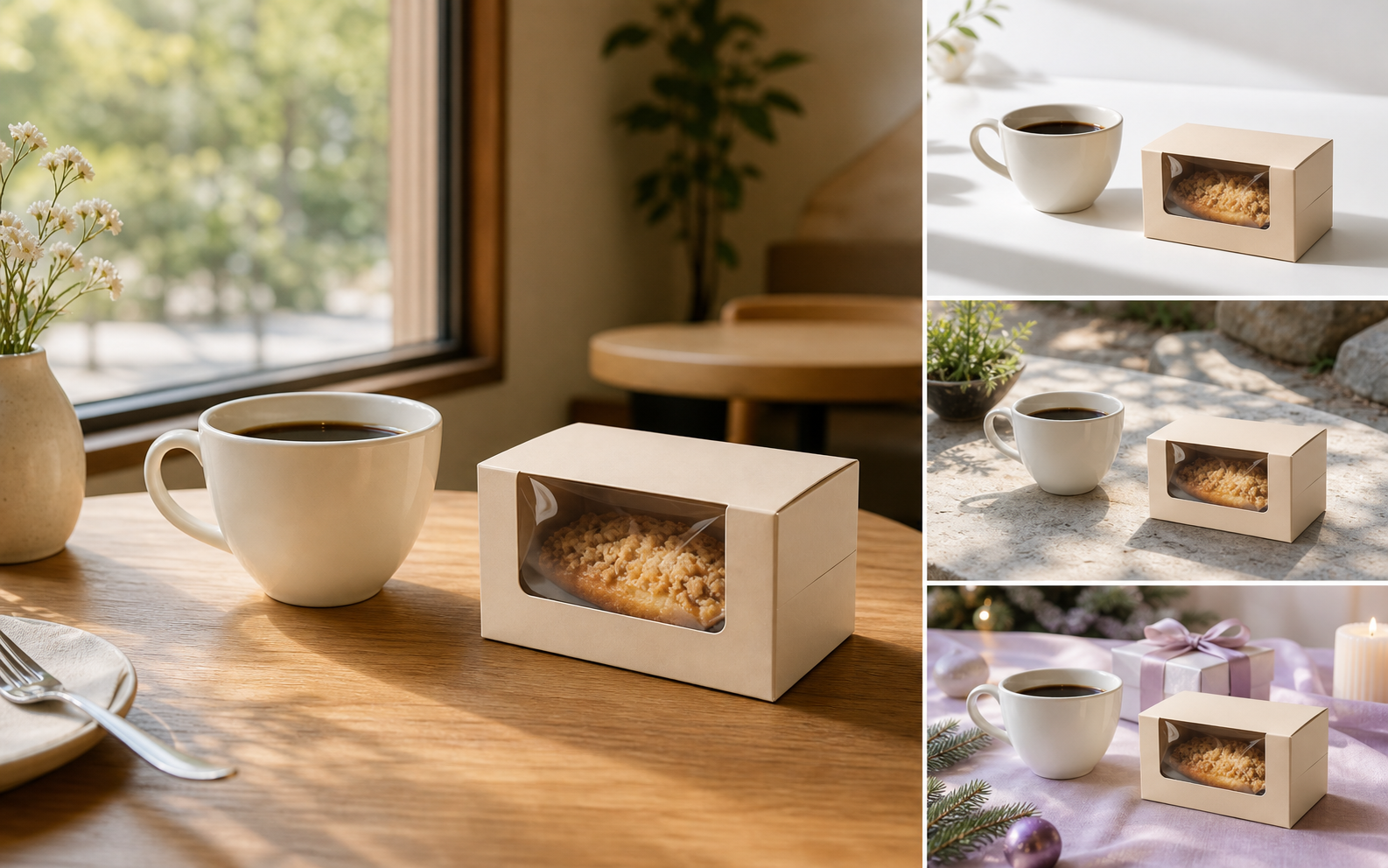
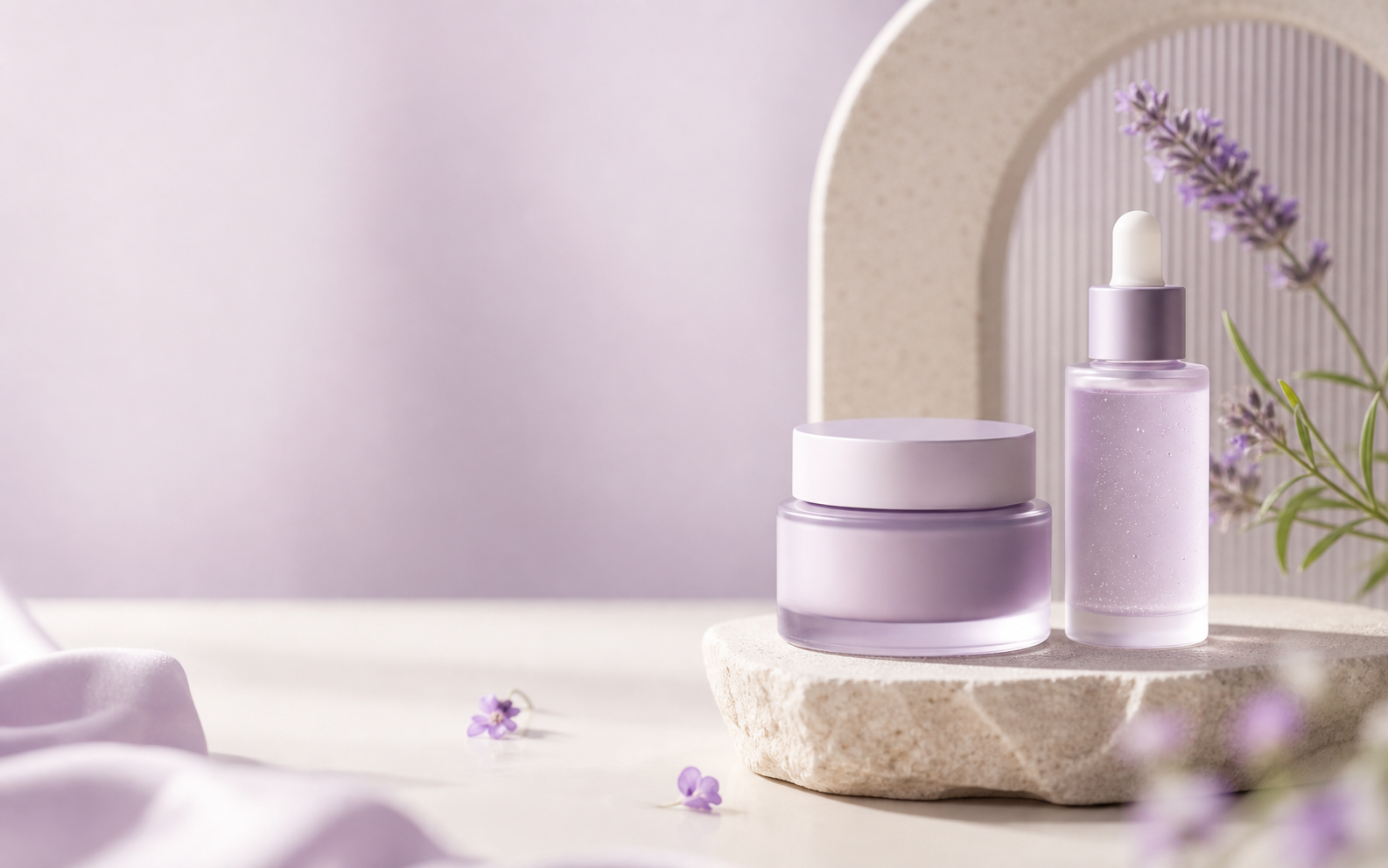
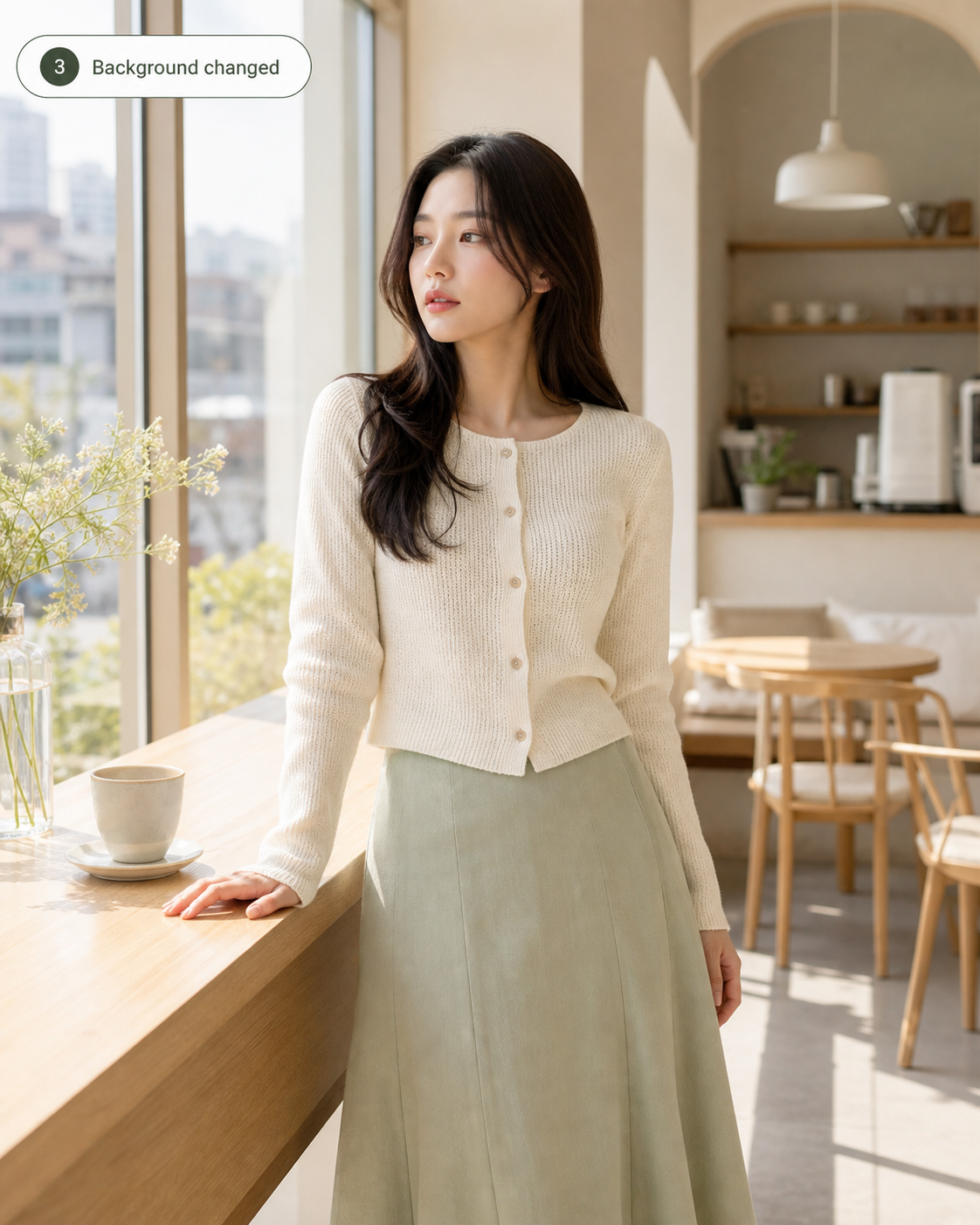
Use Image 1 as the subject and Image 2 as the new scene
The page is built for the exact prompt pattern users keep writing: preserve the product or person from the first image and actually replace the background with the second image.
Photor.aiUpload the product or subject first. Add a background, style, logo, or campaign reference when needed.
Replace, extend, clean, or create product scenes while keeping the product or model recognizable. Built for ecommerce images, lifestyle backgrounds, and controlled scene edits.

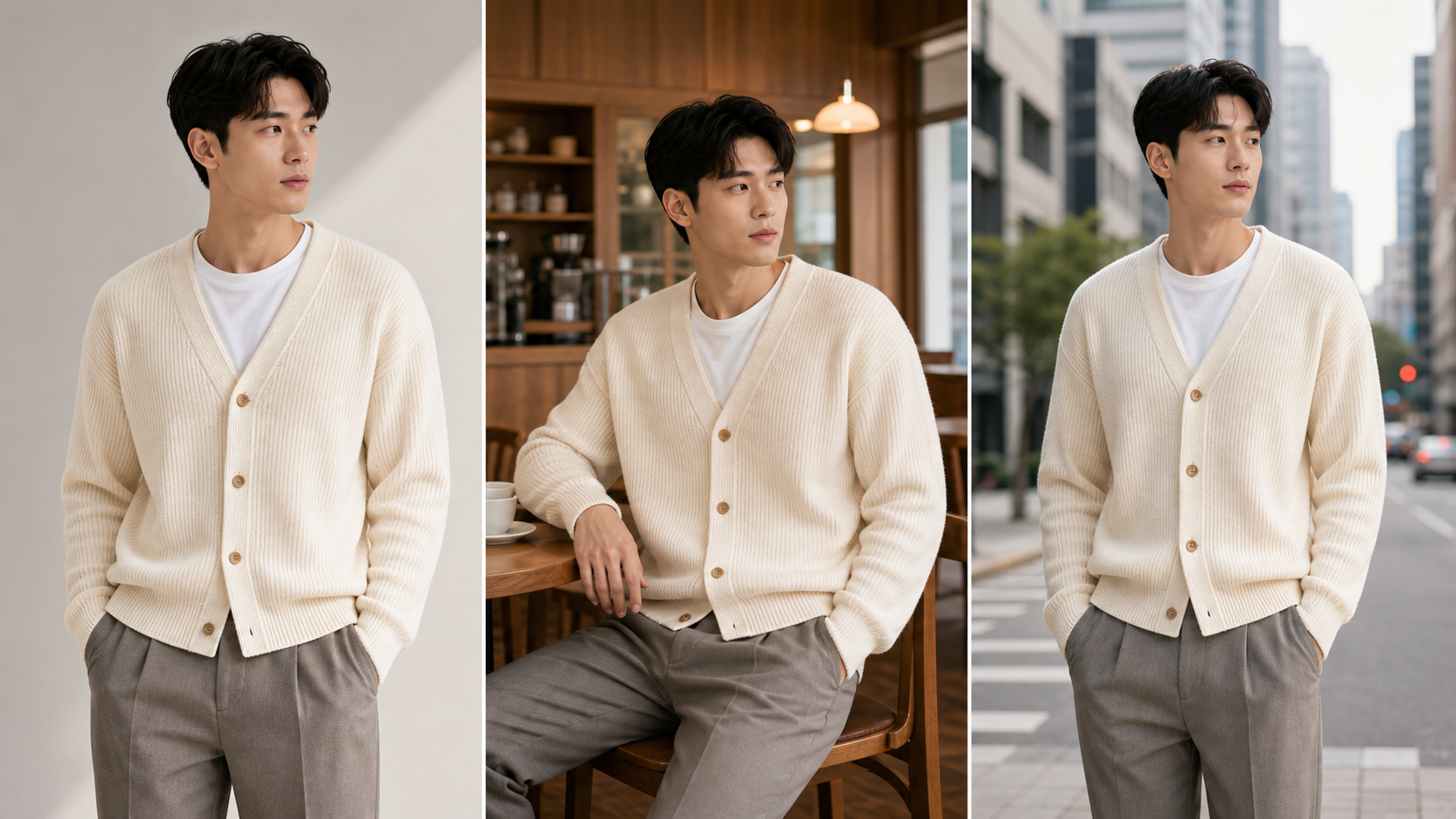
This page is for changing the environment around a subject. Upload the product or model as the base image, add an optional background reference, then create marketplace studios, lifestyle scenes, seasonal backgrounds, or clean ecommerce environments while preserving the subject.


The page is built for the exact prompt pattern users keep writing: preserve the product or person from the first image and actually replace the background with the second image.

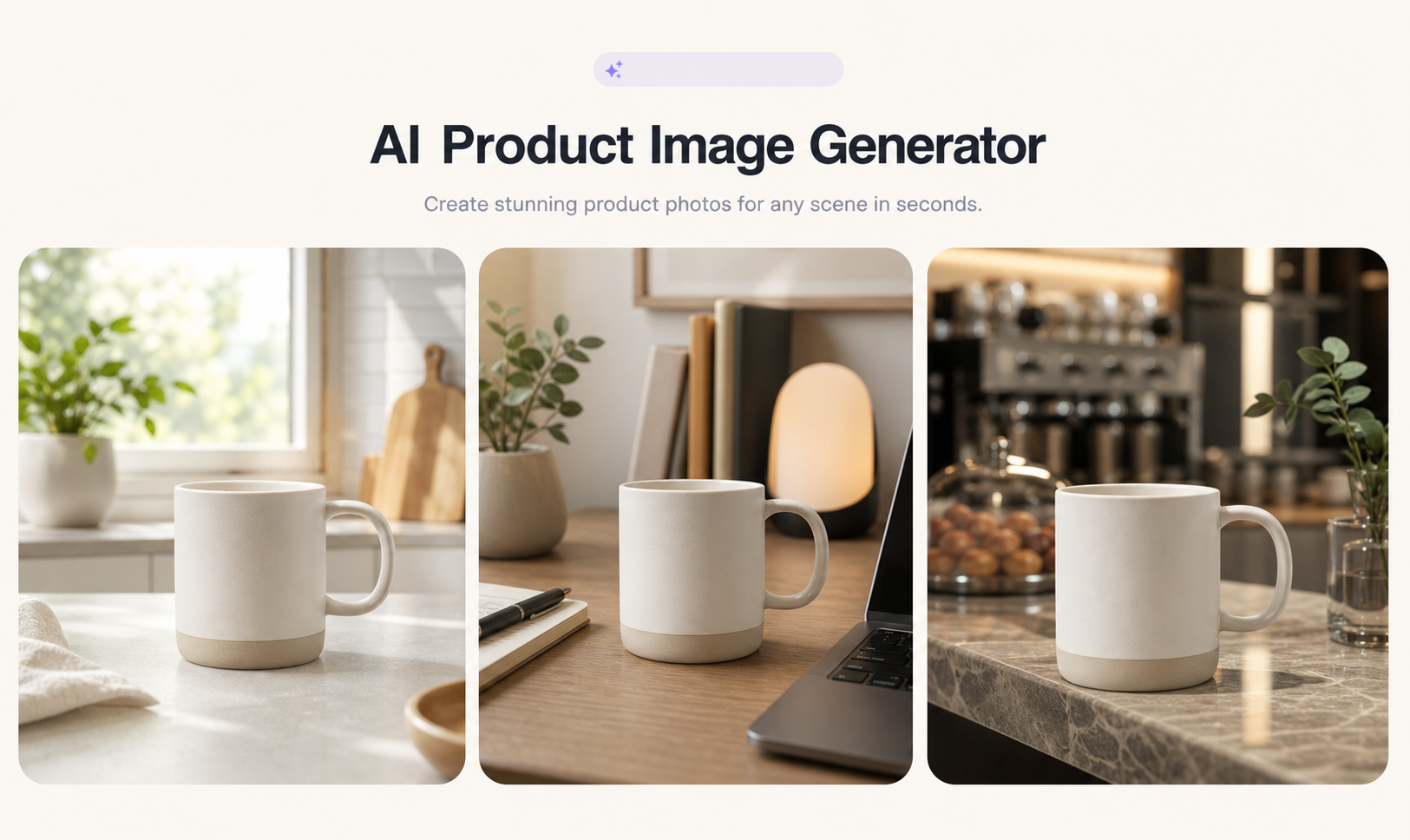
Generate clean studio backgrounds, Korean cafe scenes, bathroom vanity setups, outdoor lifestyle scenes, and holiday campaign environments for ecommerce use.

A useful background edit needs more than a pretty scene. The generated brief includes contact shadow, ambient color, surface grounding, and camera perspective.
Use Image 1 as the subject to keep. Add Image 2 when you want a specific background or environment.
Select background replacement, marketplace studio, lifestyle scene, or seasonal campaign.
Describe the target scene and let Photor guide lighting, perspective, contact shadow, and scale.
Products handles the item itself; Scenes handles the background, environment, grounding, lighting, shadow, and composition around it. The page is built to avoid the common failure where the AI changes the product instead of the background.
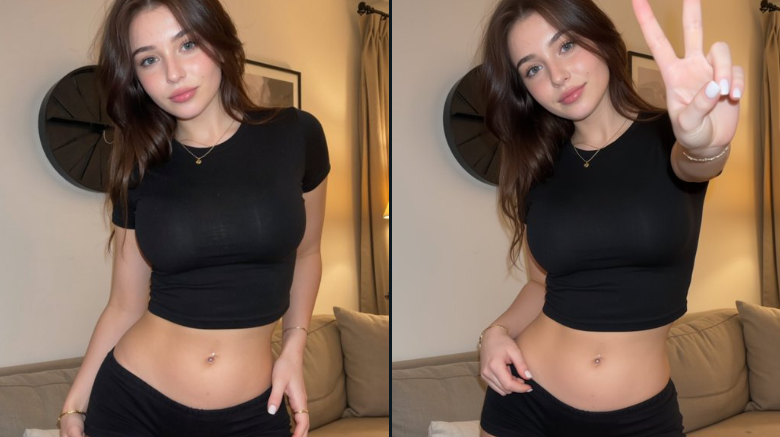
The prompt keeps subject identity, product shape, label, pose, and material unchanged.
The workflow clearly maps the first image as subject and the second image as background.
Create studio, cafe, kitchen, cosmetics store, outdoor, and holiday backgrounds for store images.
Lighting, contact shadow, scale, perspective, and ambient color are part of the generated brief.
The strongest prompt pattern here is control: keep the subject intact, change the environment, match lighting, and fix only the area that needs work.
Turn a plain subject into cafe, bathroom, studio, desk, outdoor, or holiday scenes.
Remove distractions, clean the background, and create product-safe listing images.
Extend scenes for banners, posters, social ads, and landing-page hero images.
Try other popular image models with different styles, quality, and prompt-following strengths.

Strong image generation and editing for commercial product, model, and campaign work.

Useful for fast reference-based image editing and creative variations.

Create polished image variations with stronger detail and visual consistency.

A simple model choice for quick image-to-image edits and visual experiments.
Background replacement works best with a subject image. It can also create reusable scene ideas from text, but subject-safe editing needs a reference.