Create campaign images with product-safe composition
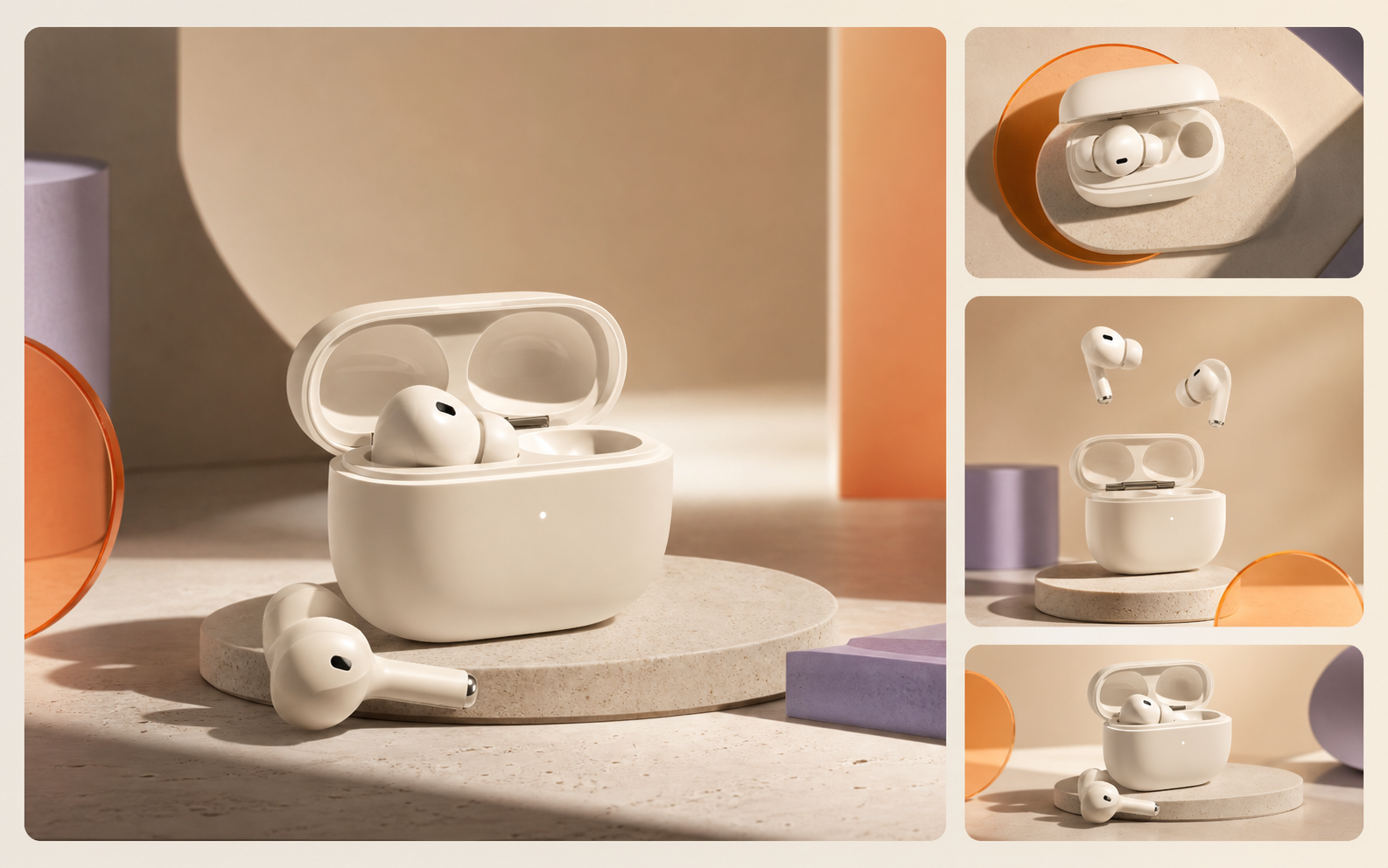
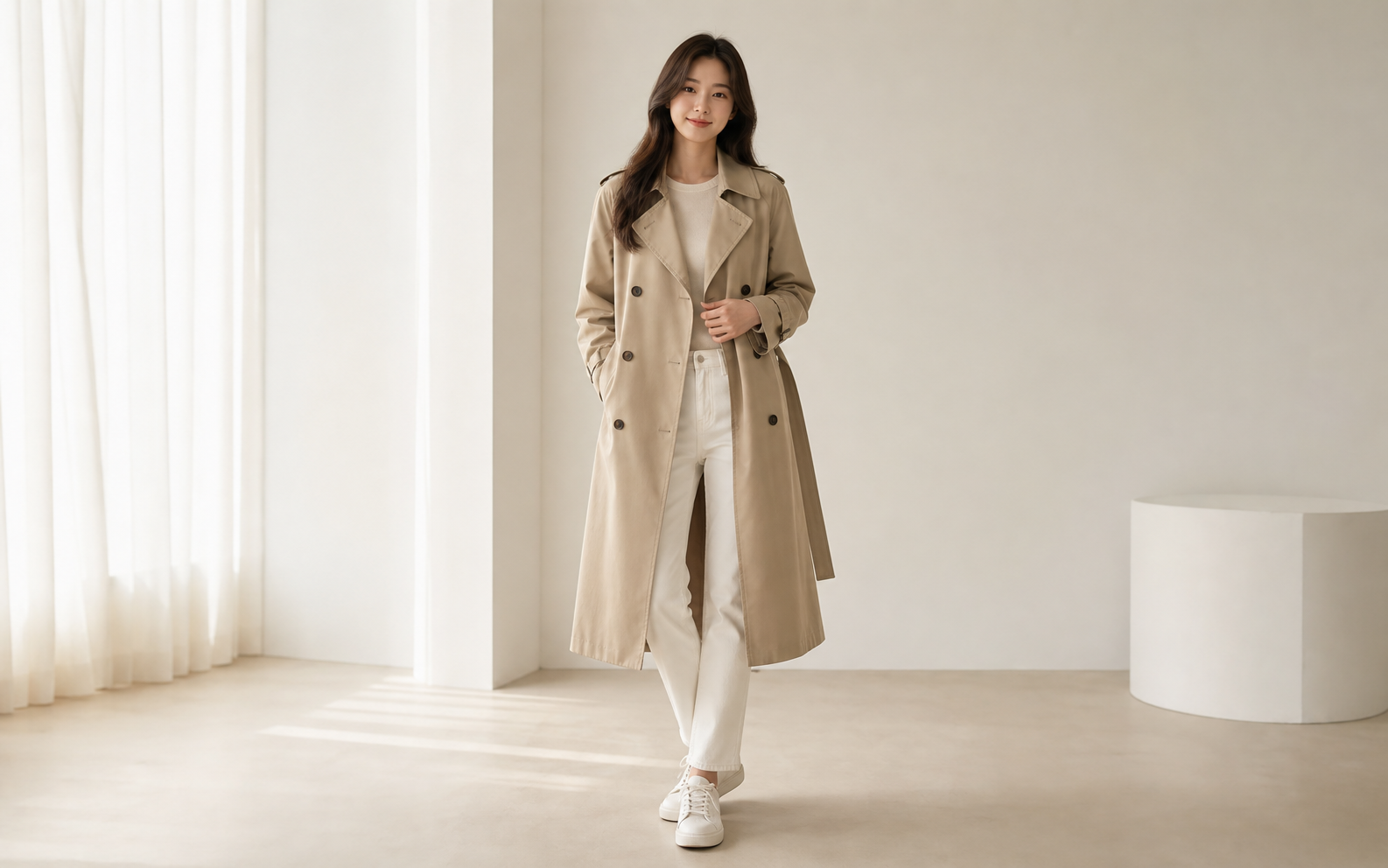
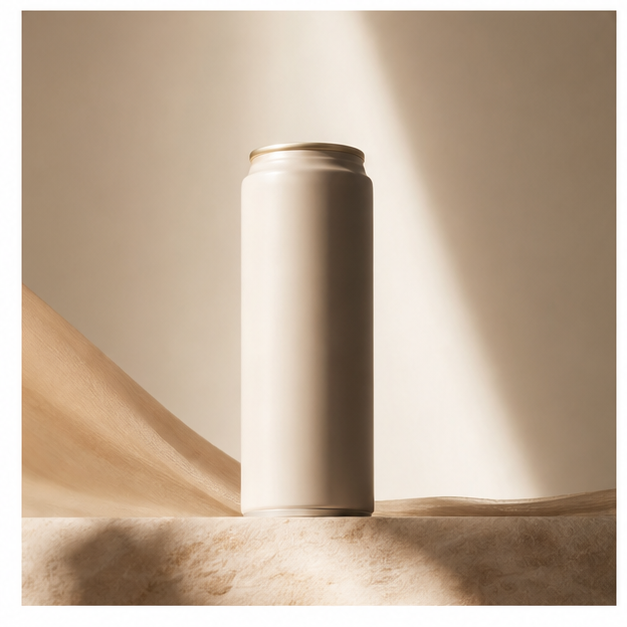
Upload a product, logo, style, or layout reference, then create a polished image ad with space for headline, CTA, price, or final editable text.
Photor.aiUpload logo, product, poster, text reference, layout, or style image. Mark each role below.
Generate product ads, sale banners, launch posters, and social media creatives from saved assets or a structured prompt. Current scope: image ads, not video ads.

This page is for campaign assets rather than pure product photography. Upload product, logo, text, layout, or style references, then create product ads, posters, card news, infographics, banners, or text/logo edits with clear hierarchy and copy-safe composition.


Upload a product, logo, style, or layout reference, then create a polished image ad with space for headline, CTA, price, or final editable text.

Recent campaign prompts include Korean card news, school/event posters, bio-company logos, infographic blocks, and layout edits. The page organizes those into direct workflows.

Campaign work often fails when text is invented or misspelled. The workflow makes text handling explicit before generation.
Add product, logo, text, layout, style, background, or image-placeholder references.
Pick logo refresh, poster, card news, infographic, banner, or text/logo edit.
Choose whether to keep exact text, use provided text only, replace text, remove text, or leave blank space.
Products creates product images; Campaigns turns assets into marketing visuals. It is designed for Korean card news, event posters, brand logos, banners, social creatives, and layouts that need readable text areas.
Supports logo polishing, card news, event posters, clean corporate visuals, and Korean text-heavy layouts.
Lets users mark exact text, logo shape, layout, brand colors, and image areas that must stay stable.
Focused on image ads, posters, banners, and social posts now, without promising video ad automation.
Guides headline space, CTA area, logo placement, product visibility, and platform crop.
Campaign prompts usually ask for a usable layout: product visibility, headline area, platform crop, sale message, and brand feeling. The workspace makes those decisions explicit.
Create product ads for launches, discounts, seasonal promotions, and marketplace campaigns.
Generate feed, story, vertical, square, and banner-ready image directions from one brief.
Move from one product idea to multiple polished ad concepts without writing a full creative brief.
Try other popular image models with different styles, quality, and prompt-following strengths.

Strong image generation and editing for commercial product, model, and campaign work.

Useful for fast reference-based image editing and creative variations.

Create polished image variations with stronger detail and visual consistency.

A simple model choice for quick image-to-image edits and visual experiments.
Not yet. This page is focused on image ads. A future video workflow should use a separate AI video ad generator page.